5.1.2. Menu Settings -System Setup - Indicator Setup - continue-
1020 Indicator
Example step size:
weigher value is 2005 kg
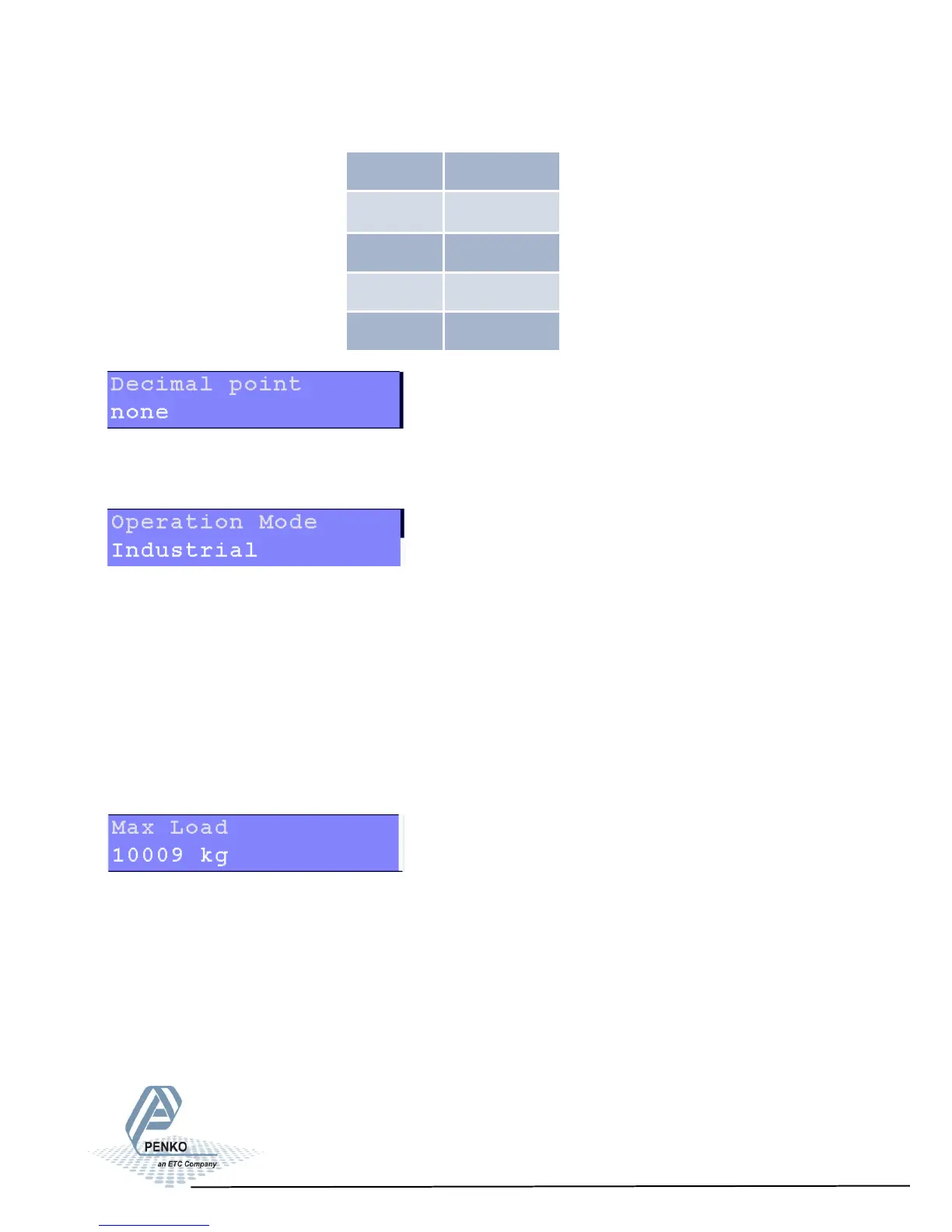
The decimal point defines the point of decimal of the weight value.
Choose between 0, 1, 2 or 3 decimals.
Select the operation mode of the PENKO 1020. Choose between Industrial of
Certified. Certified must be chosen when the unit is used for measuring for
trade aims.
In the industrial mode it is always possible to change the indicator parameters
and calibration. In the certified mode the unit will be sealed by marks and also the
weighing parameters will be blocked to satisfy to calibration laws.
Note: In certified mode the zero band = 4% (+2 and –2%). Also zero suppressing
is disabled.
Set maximum load to prevent overload by user. The PENKO 1020 will not show
any weight above the set value. Choose a weight between -8388608 and
+8388607.
Note: In certified mode the max. load is not allowed to be more then the maxi-
mum load + 9 scale parts.
Step Size Weight (kg)
1 2005
2 2006
5 2005
10 2010
34



 To Next Page