5.1.3. Menu Settings -System Setup - In/Outputs - continue-
1020 Indicator
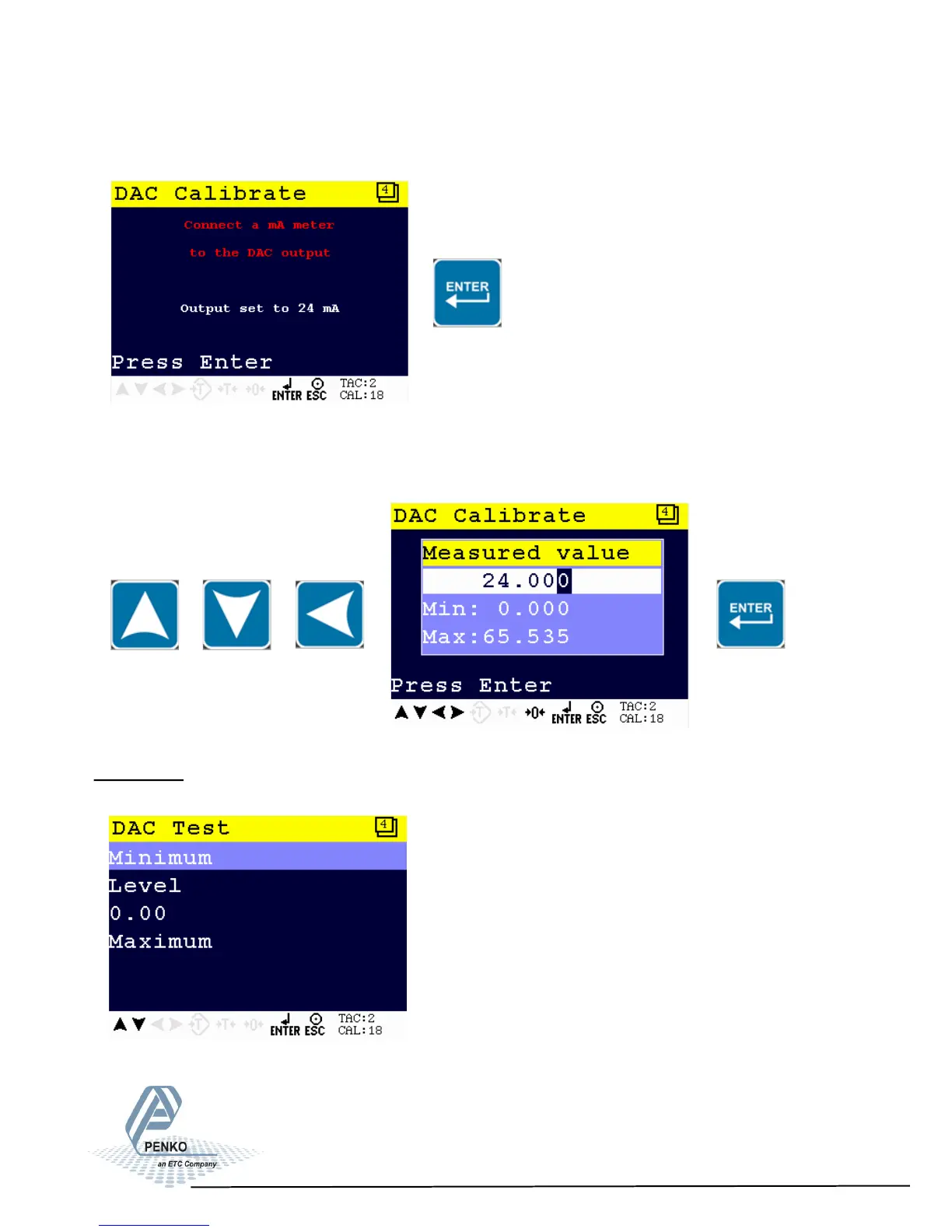
The output 1020 is set to 24mA. Press Enter to continue.
Use the UP, DOWN and LEFT key to enter the reference value. The UP and
DOWN keys are used for changing the number (1-9), the LEFT key is used for
changing the position of the cursor. Confirm with Enter.
DAC Test
In this menu, the DAC can be tested.
61



 To Next Page