5.1.7. Menu Settings -System Setup - Printer - continue-
1020 Indicator
Printer Settings
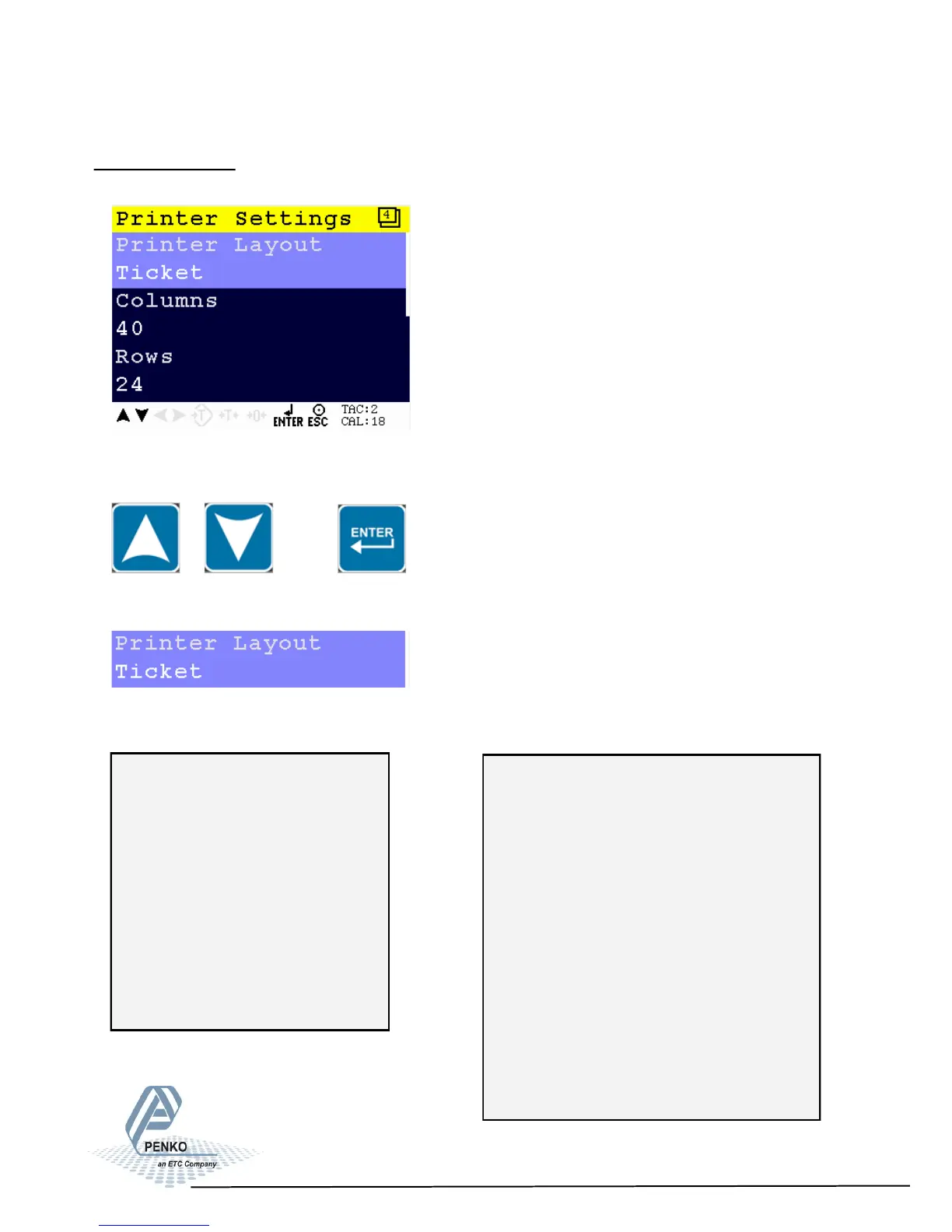
In this menu, the printers settings can be set.
Scroll through the Printer Settings menu using the UP or DOWN key. Press Enter
for editing the setting.
Settings in the Printer Settings menu
Set the lay out of the print. Choose between Ticket or Line.
Example Line: Example Ticket:
72
Line:
22 2,114
23 2,114
24 2,115
25 2,115
26 2,115
27 2,115
Programmable header
-----------------------
04-07-41 14:43.51
NR: 28
N 2,114 kg
T 0,000 kg
--------- +
B/G 2,114 kg
-----------------------
Programmable footer



 To Next Page