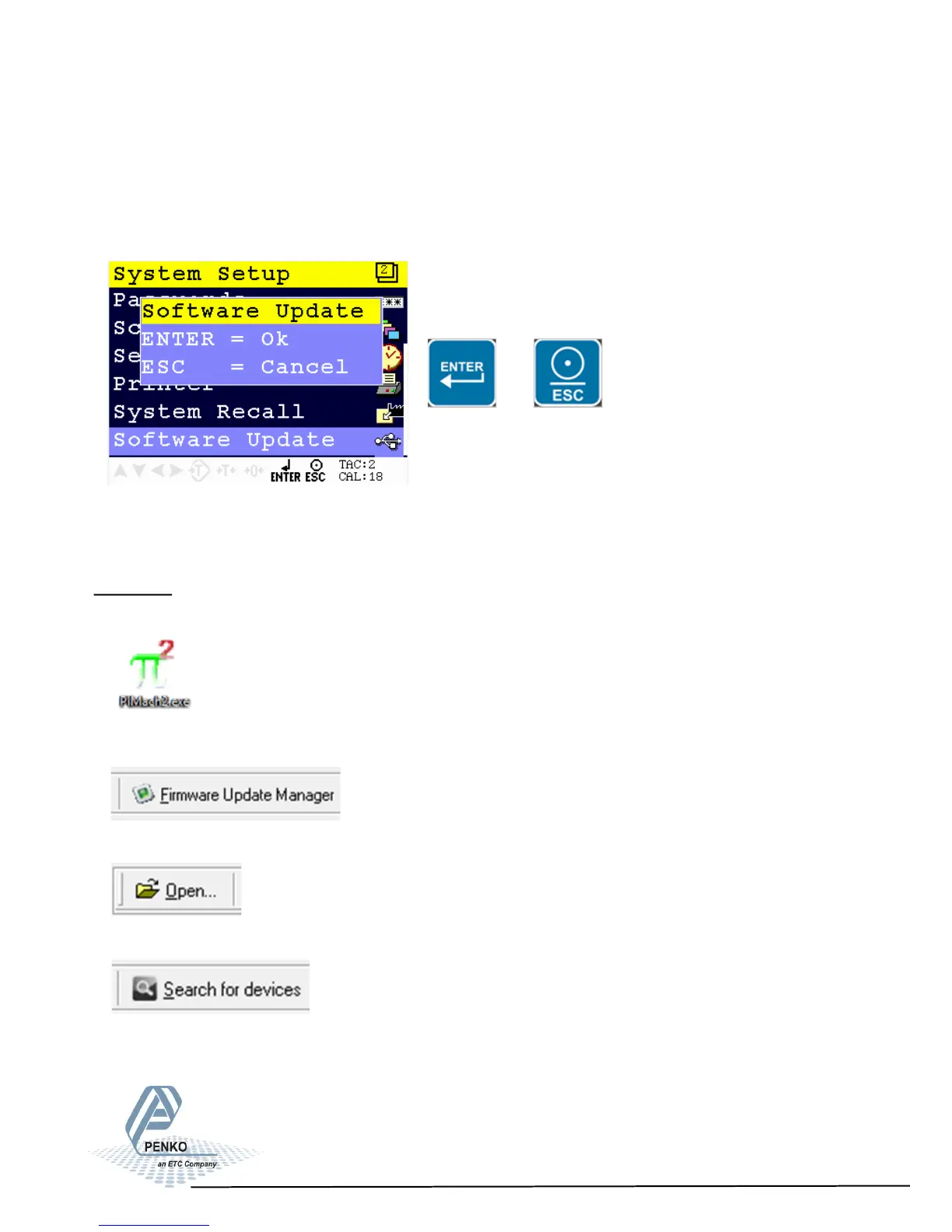
5.1.9. Menu Settings -System Setup - Software Update-
1020 Indicator
Software Update
This menu sets the PENKO 1020 in USB update mode.
Continue by pressing Enter or leave the menu by pressing ESC.
or
The PENKO 1020 can be updated through ethernet and through USB. Only use
PIP files, Penko Image Package, for firmware updates!
Ethernet
Connect the PENKO 1020 to the computer through ethernet. Start PI Mach II.
Start the Firmware Update Manager.
Click ‘Open’ and select the PIP file.
Click ‘Search for devices’ and select the IP address of the PENKO 1020.
79



 To Next Page