5.1.1. Menu Settings -System Setup - Port Setup - continue-
1020 Indicator
RS232 Port
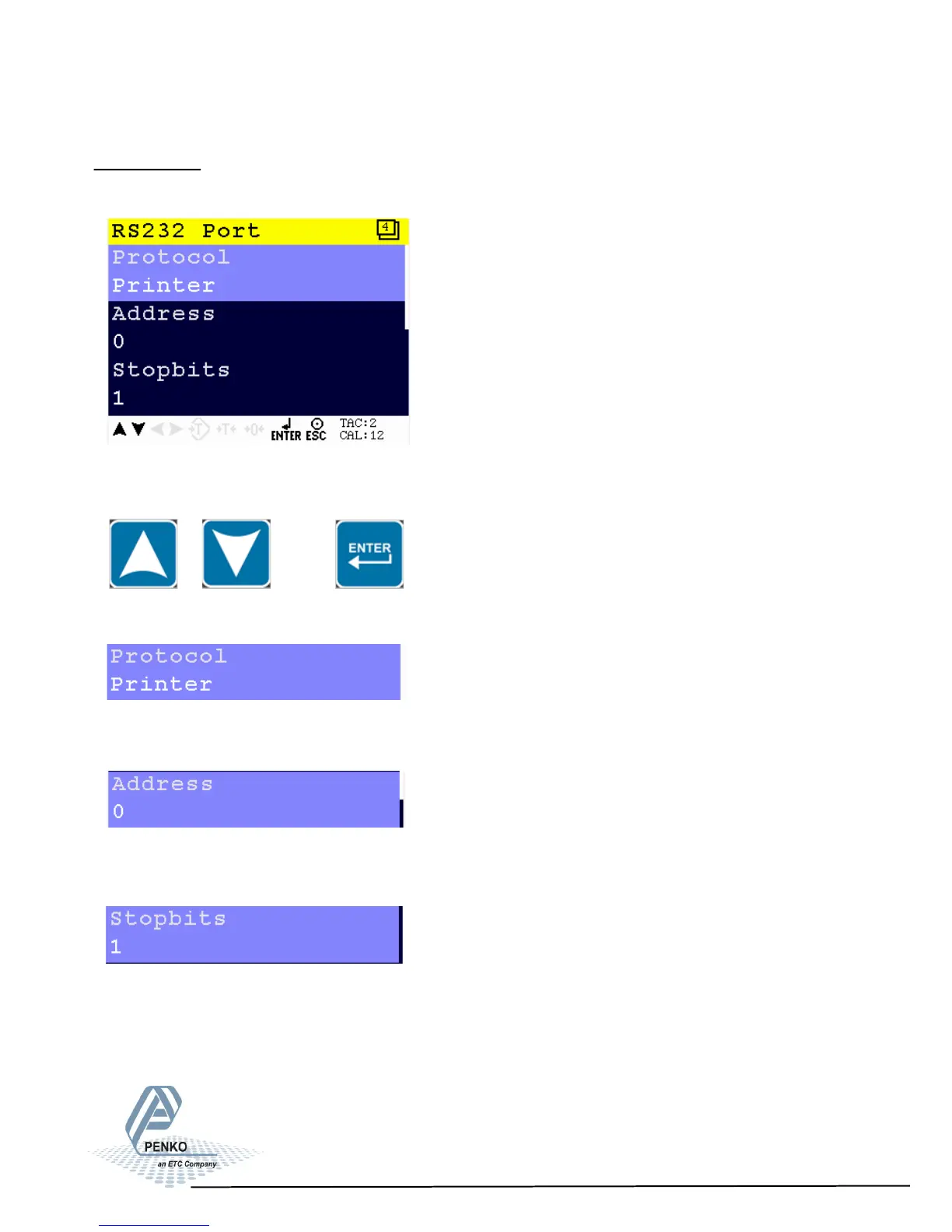
In this menu, all settings for the RS232 comport can be set.
Scroll through the RS232 Port menu using the UP or DOWN key. Press Enter for
editing the setting.
Setting in the RS232 Port menu
Select the communication protocol. Choose between None, Printer, ASCII, NPV
Slave, Modbus RTU and Modbus ASCII.
Select an address to identify the device in a configuration with multiple devices.
Choose a number between 0 and 255.
Select the number of needed stopbits for the protocol. Choose between 1 and 2.
26



 To Next Page