5.1.7. Menu Settings -System Setup - Printer - continue-
1020 Indicator
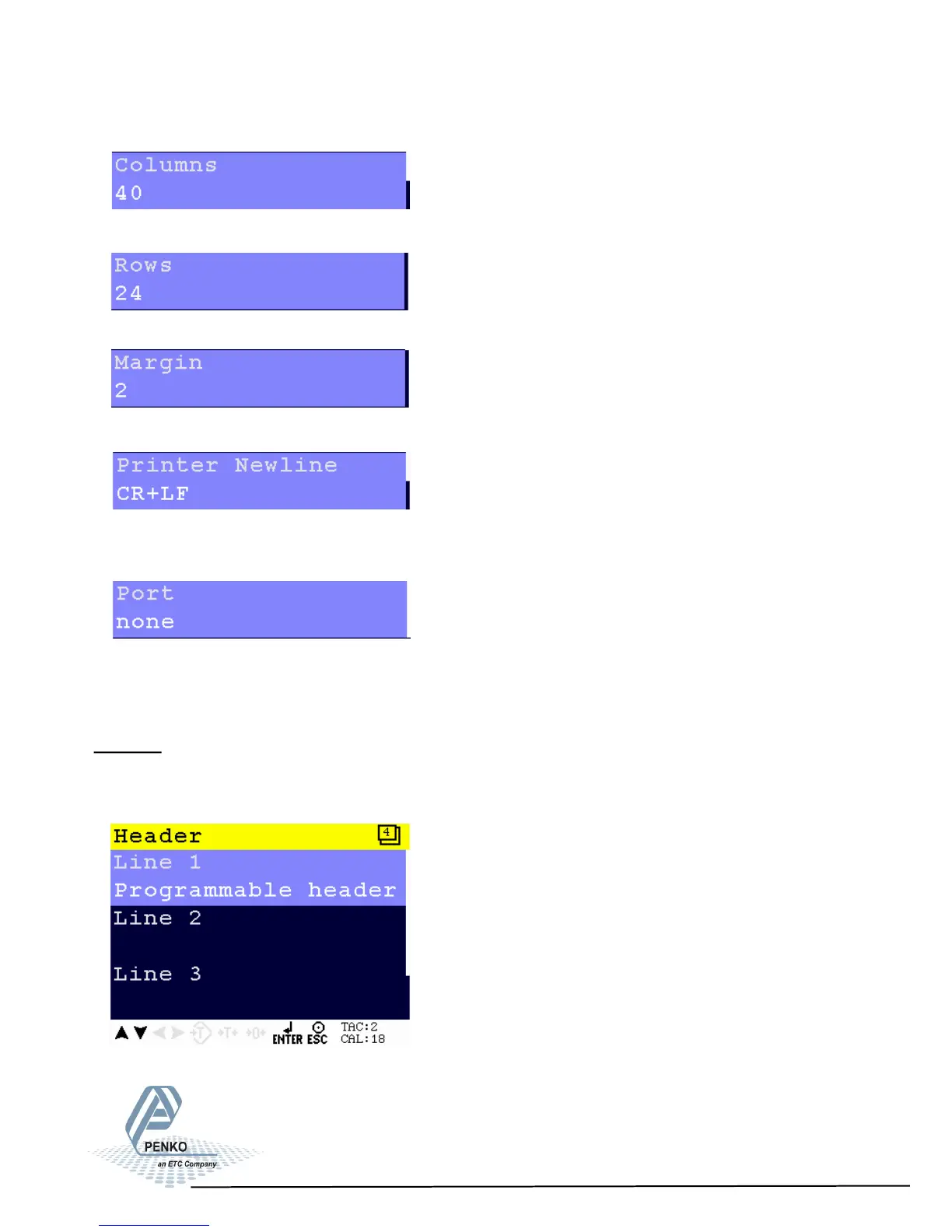
Set the number of colums. Choose a number between 0 and 80.
Set the number of rows. Choose a number between 0 and 80.
Set the margin. Choose a number between 0 and 80.
Set the newline. Choose between None, CR, LF, CR+LF, CR+00 and Zebra ZPL
II. For examples of the options, see your printer manual.
Set the communication port used for the printer. Choose None, RS232 Port,
RS422 Port, IP Number or Alibi Memory.
Header
In this menu, the headers for the printer ticket can be set. In total, 4 headers for
printer tickets can be set.
73



 To Next Page