1020 Indicator
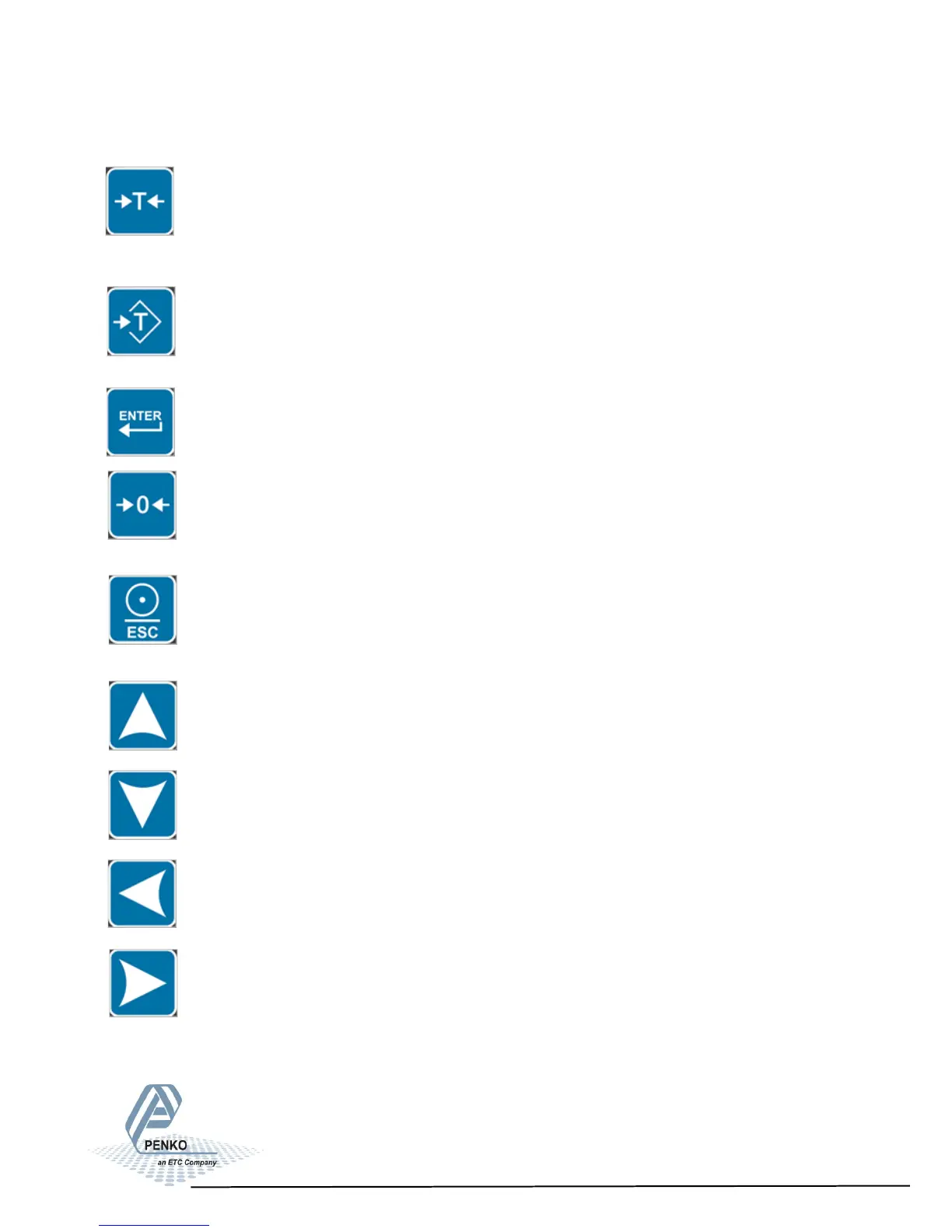
2. Explanation of front keys
Tare
Check the NET sign (See page 5, Indication of Display, number 2) if
there is a tare active.
Press key to set tare. Press key again to reset tare.
Preset Tare
Check the NET sign (See page 5, Indication of Display, number 2) if
there is a tare active.
Press key to set preset tare. Press Tare key to reset preset tare.
Enter
Press key >2s to enter main menu.
Zero
Press key <2s to create a new zero level.
Press key >2s to reset zero level to the original zero level.
Print/Escape
If in a menu, press key to go to the previous menu. If on main screen,
use for printing the value. Press key <2s to print the actual value. Press
key >2s to print batch total.
Up or increase value by 1
Left or change position of cursor
Down or decrease value by 1
Right or change position of cursor
7



 To Next Page