5.1.2. Menu Settings -System Setup - Indicator Setup - continue-
1020 Indicator
Weigher
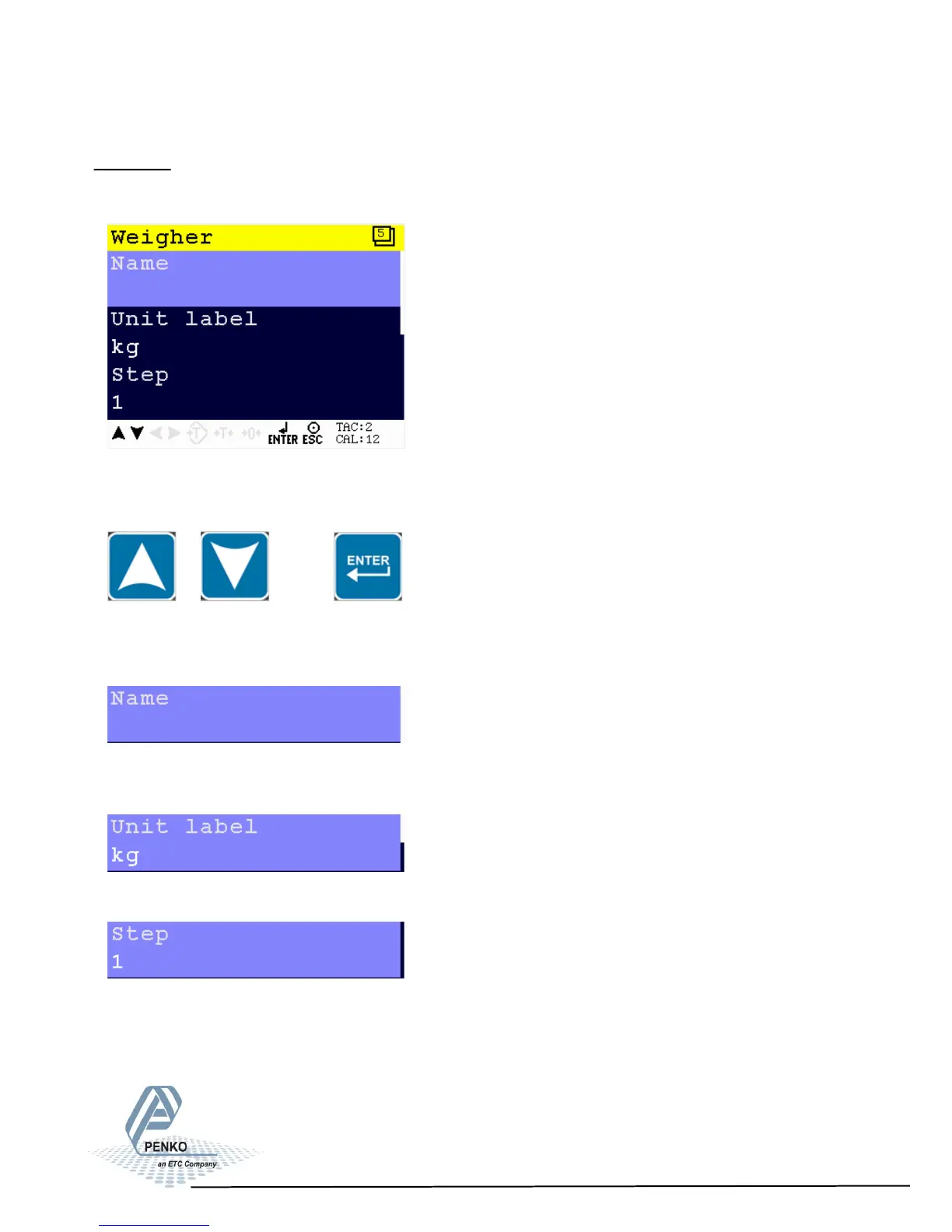
In this menu, all settings for the weigher can be set.
Scroll through the Weigher menu using the UP or DOWN key. Press Enter for
editing the setting.
Settings in the Weigher menu
Give the PENKO 1020 a unique name within the application so it’s easy to recog-
nize in the process or in the factory.
Define the unit of measurement.
The step size defines the scaled parts of the weight value. The display value will
be rounded off to the nearest value with a valid step size. Step size can be 1, 2,
5, 10, 20, 50,100, 200.
33



 To Next Page