1020 Indicator
5.1.2. Menu Settings -System Setup - Indicator Setup - continue-
Calibration
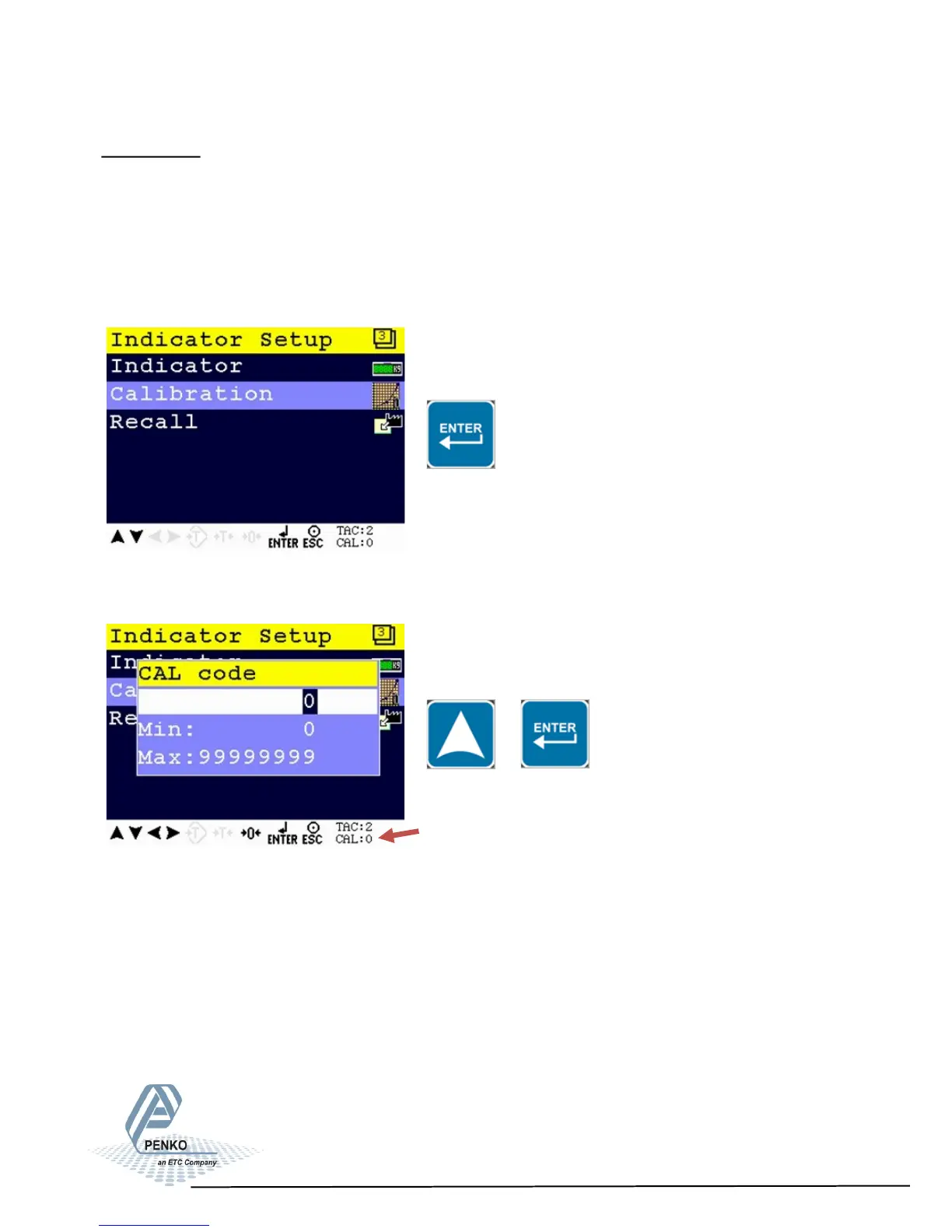
In this menu, the calibration can be set.
Enter the CAL code to enter the menu.
Entering the CAL number
Select Calibration and press Enter
Enter CAL (number) by using the UP key and confirm with Enter.
CAL code shows on the lower right of the screen. Every time calibration settings are
changed, the CAL code automatically levels up by 1.
Example CAL:0
CAL Code
42



 To Next Page