5.1.3. Menu Settings -System Setup - In/Outputs - continue-
1020 Indicator
DAC Setup
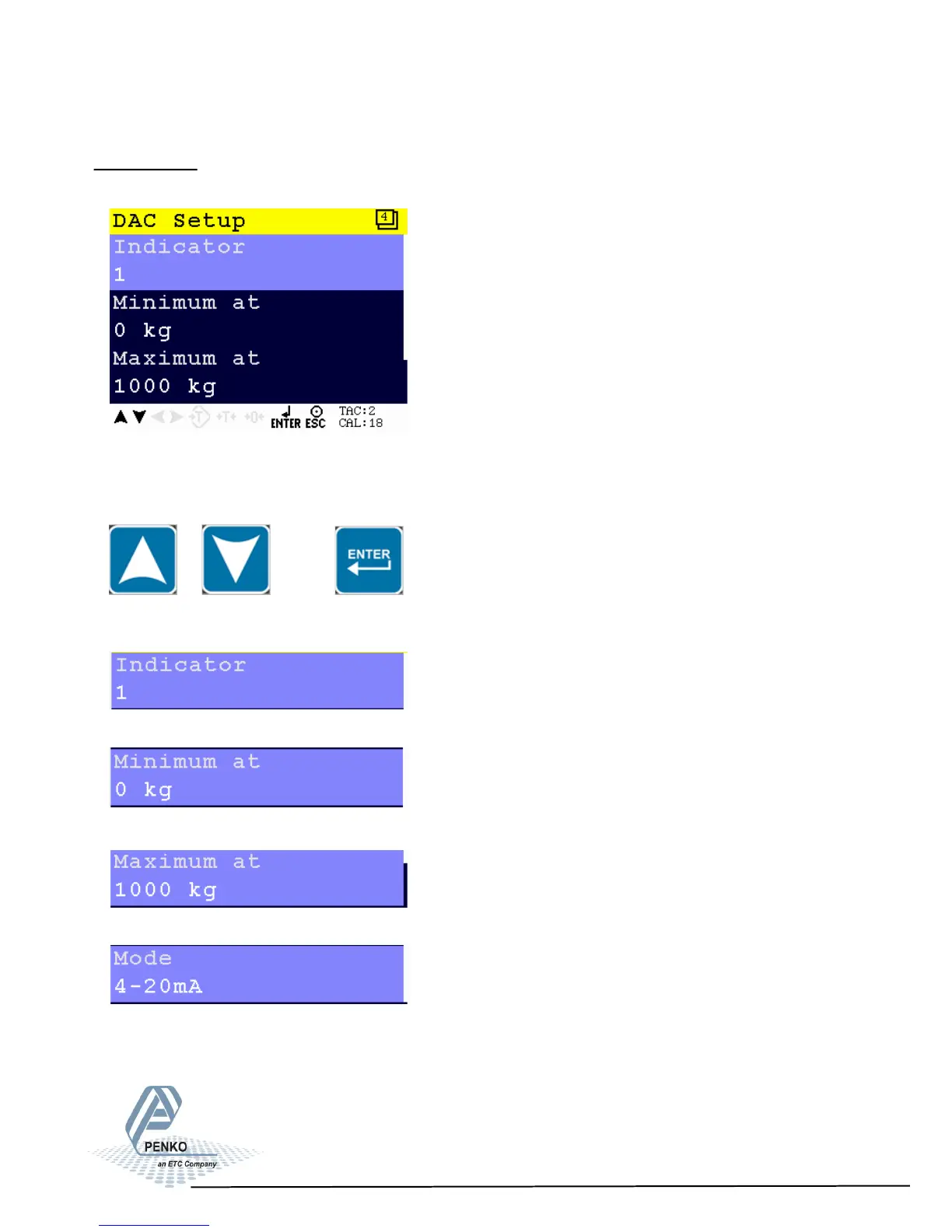
In this menu, all DAC parameters can be set.
Scroll through the DAC Setup menu using the UP or DOWN key. Press Enter for
editing the setting.
Settings in the DAC Setup menu
Select the indicator. Choose a number between 1 and 30.
Select the minimum value. Choose a value between -8388608 and +8388607.
Select the maximum value. Choose a value between -8388608 and +8388607.
Select the needed output signal
59



 To Next Page