5.1.2. Menu Settings -System Setup - Indicator Setup - continue-
1020 Indicator
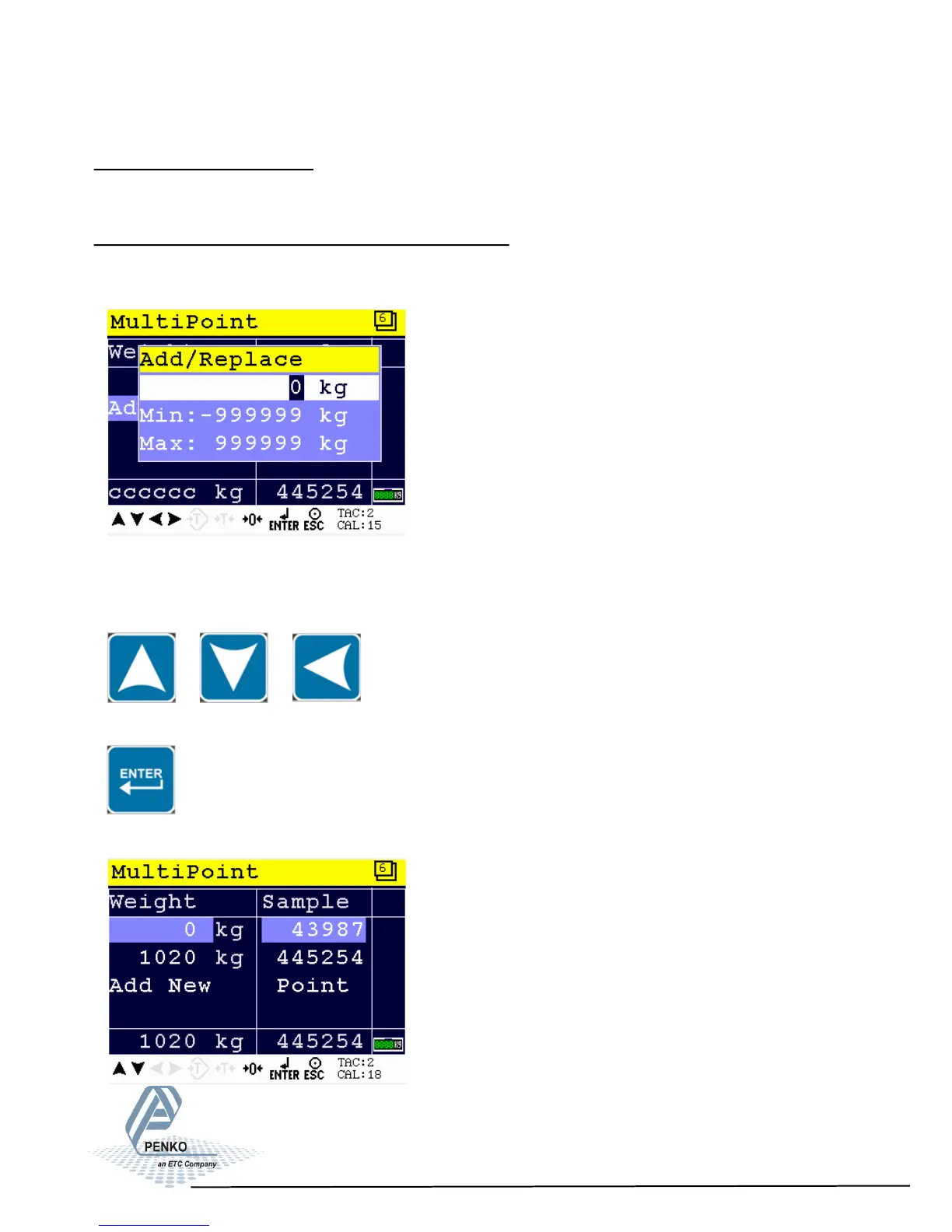
Calibrate the zero point:
Make sure the weigher is unloaded and press Enter.
Calibration second or higher calibration point:
An actual reference value is needed. For this example, a reference value of 1020
kg was used.
Use the UP, DOWN and LEFT key to enter the reference value. The UP and
DOWN keys are used for changing the number (1-9), the LEFT key is used for
changing the position of the cursor.
Load the weigher with the reference value and press the Enter key.
The calibration was successful when the following screen is visible:
47



 To Next Page