5.1.2 Menu Settings -System Setup - Indicator Setup - continue-
1020 Indicator
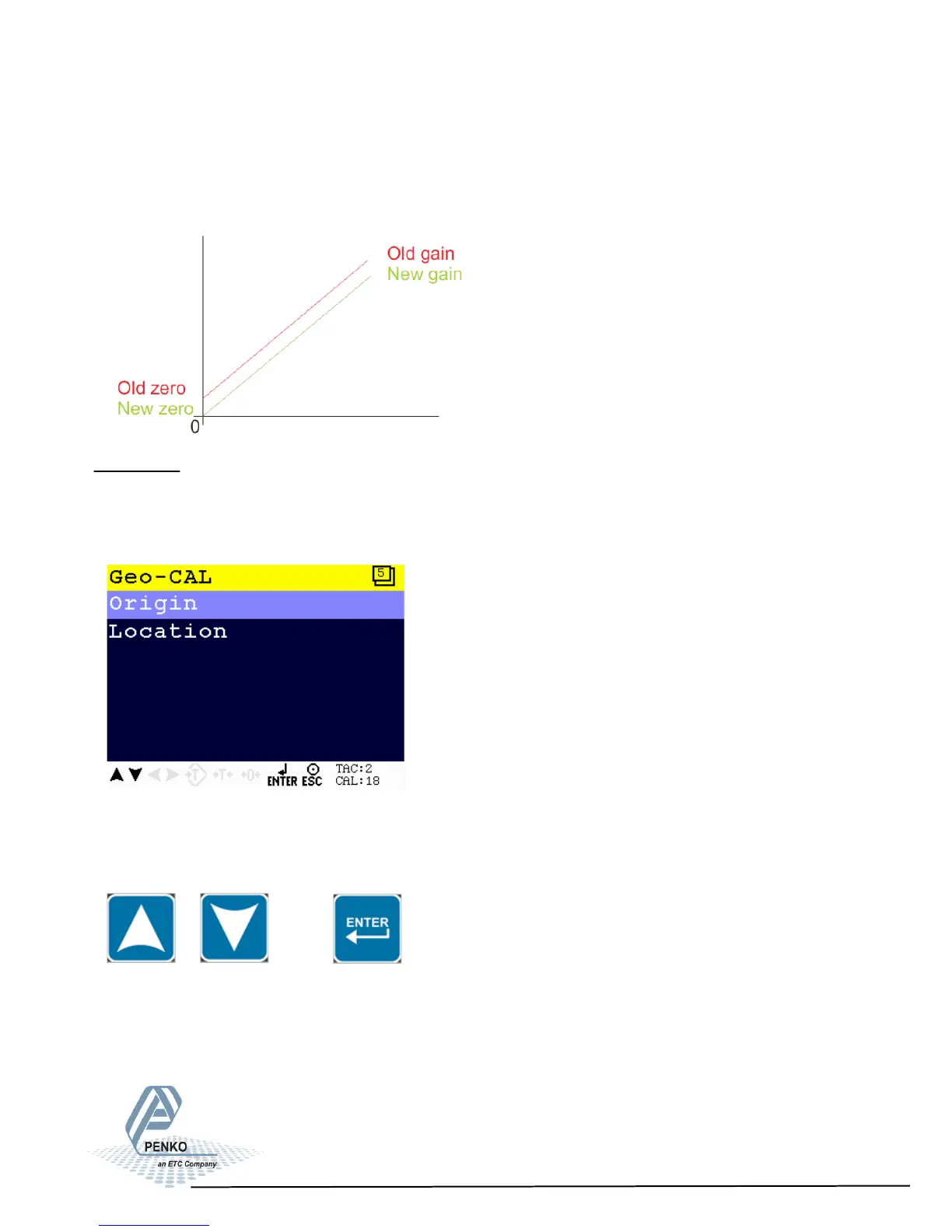
Normally, the deadload is zero, but it is possible to change the line position if
there is weight on the scale. To do so, edit the actual weigh value to the new
known value.
Geo-CAL
In this menu, the geometric location and height of the place where the load cells
are fabricated and the recent location must be filled in after calibrating with the
Transducer menu.
Scroll through the Geo-CAL menu using the UP or DOWN key. Press Enter for
editing the setting.
50



 To Next Page