5.1.2 Menu Settings -System Setup - Indicator Setup - continue-
1020 Indicator
Settings in the Geo-CAL menu
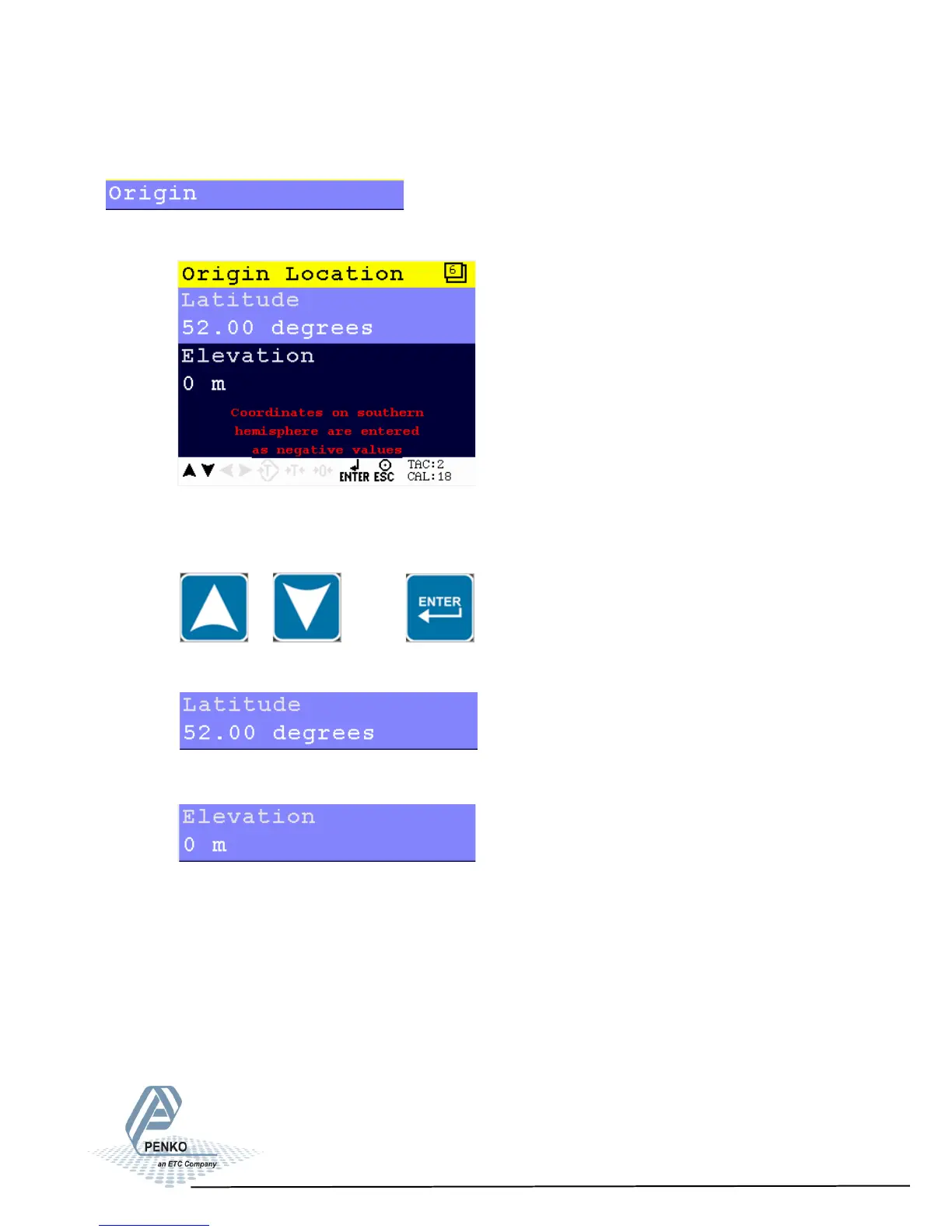
Edit the Latitude and Elevation of the place of fabrication of the load cells.
Scroll through the Geo-CAL menu using the UP or DOWN key. Press
Enter for editing the setting.
Settings in the Geo-CAL - Origin Location menu
Enter your geographical latitude
Enter your geographical elevation
51



 To Next Page