5.1.3. Menu Settings -System Setup - In/Outputs-
1020 Indicator
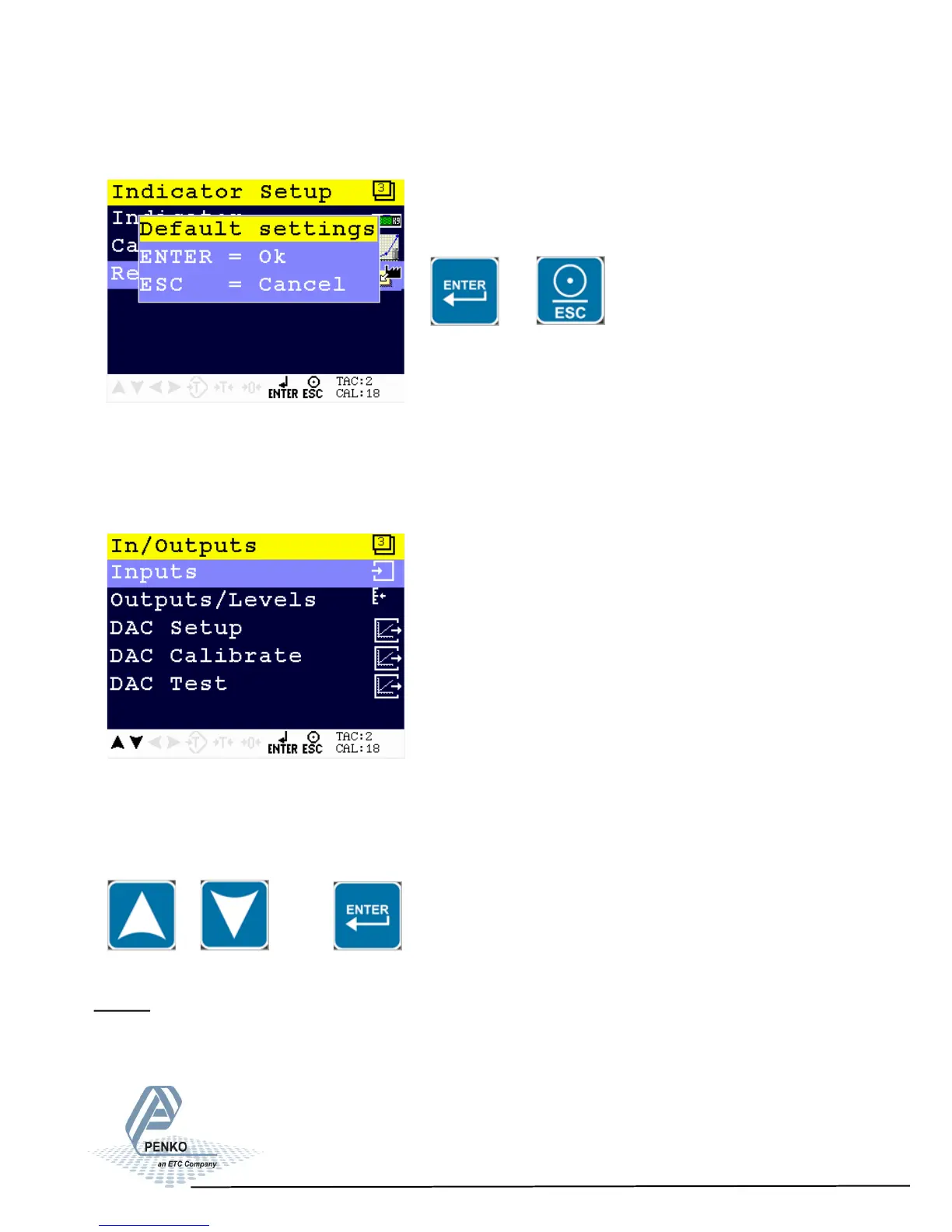
Confirm the recall by pressing Enter of leave the menu by pressing ESC.
or
In/Outputs
In this menu, the inputs and outputs can be set. The In/Output options are
Inputs, Outputs/Levels, DAC Setup, DAC Calibration and DAC Test.
The DAC setting are only available when DAC option board is installed.
Scroll through the In/Outputs menu using the UP or DOWN key. Press Enter for
editing the setting.
Inputs
In this menu, the inputs can be set. The PENKO 1020 has 3 digital inputs. All in-
puts can be configured as different functions.
55



 To Next Page