5.1.2. Menu Settings -System Setup - Indicator Setup - continue-
1020 Indicator
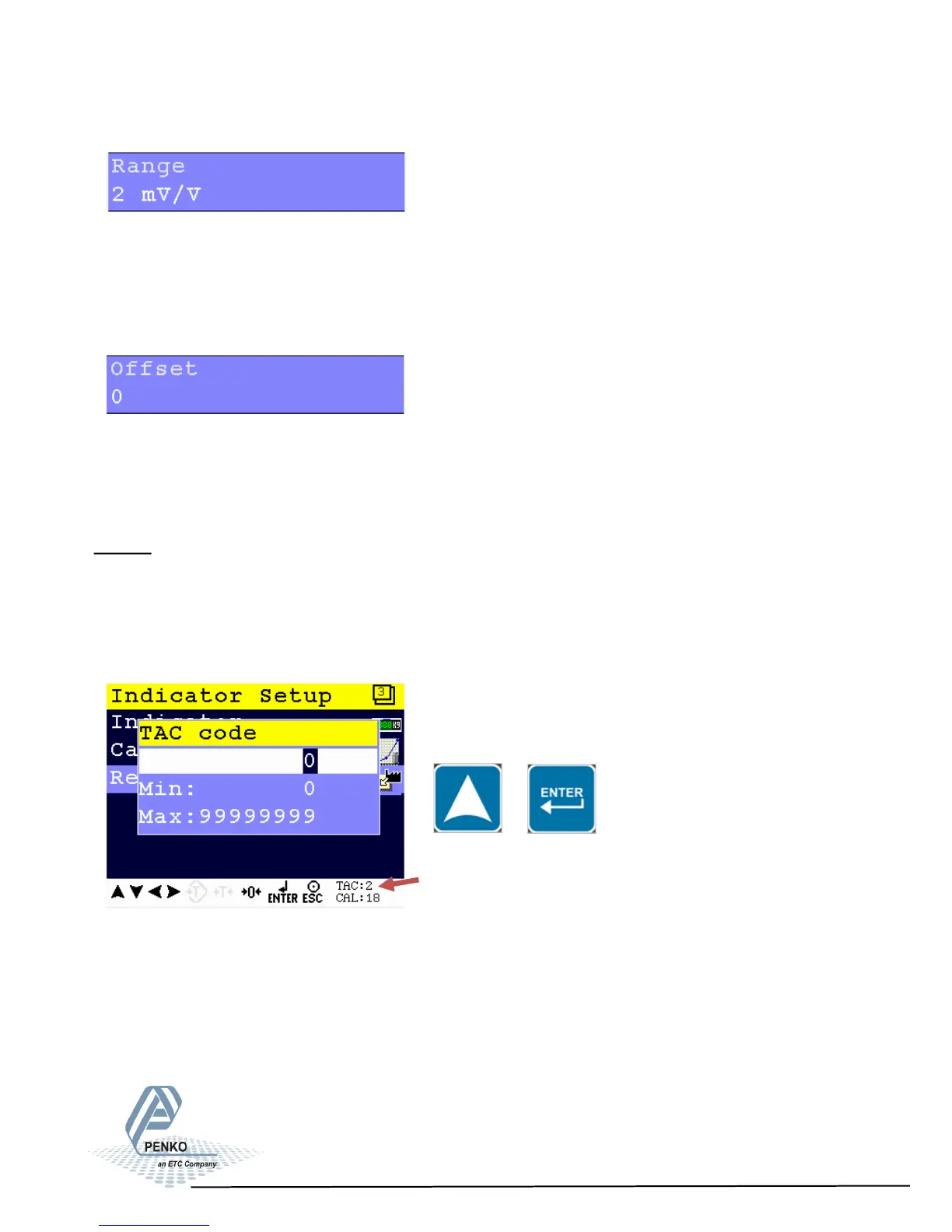
Set the input range for load cells. Choose between 1 mV/V, 1.5 mV/V, 2 mV/V,
2.5 mV/V and 3 mV/V.
When using a theoretical calibration, note that the 2mV/V and 3mV/V range are
calibrated ranges.
Set an ADC value offset. This can be used when the weigher gets out of its ADC
range. Choose a value between –500000 and +500000.
For more information, contact PENKO.
Recall
This menu allows to set all indicator parameter back to factory settings.
Note: the calibration values remain in the indicator memory.
Enter the TAC code to enter the menu.
Enter TAC (number) by using the UP key
and confirm with Enter.
TAC (Traceable Access Code) shows on the lower right of the screen. Every time
settings are changed, the TAC code automatically levels up by 1.
Example TAC:2
TAC Code
54



 To Next Page