5.1.2 Menu Settings -System Setup - Indicator Setup - continue-
1020 Indicator
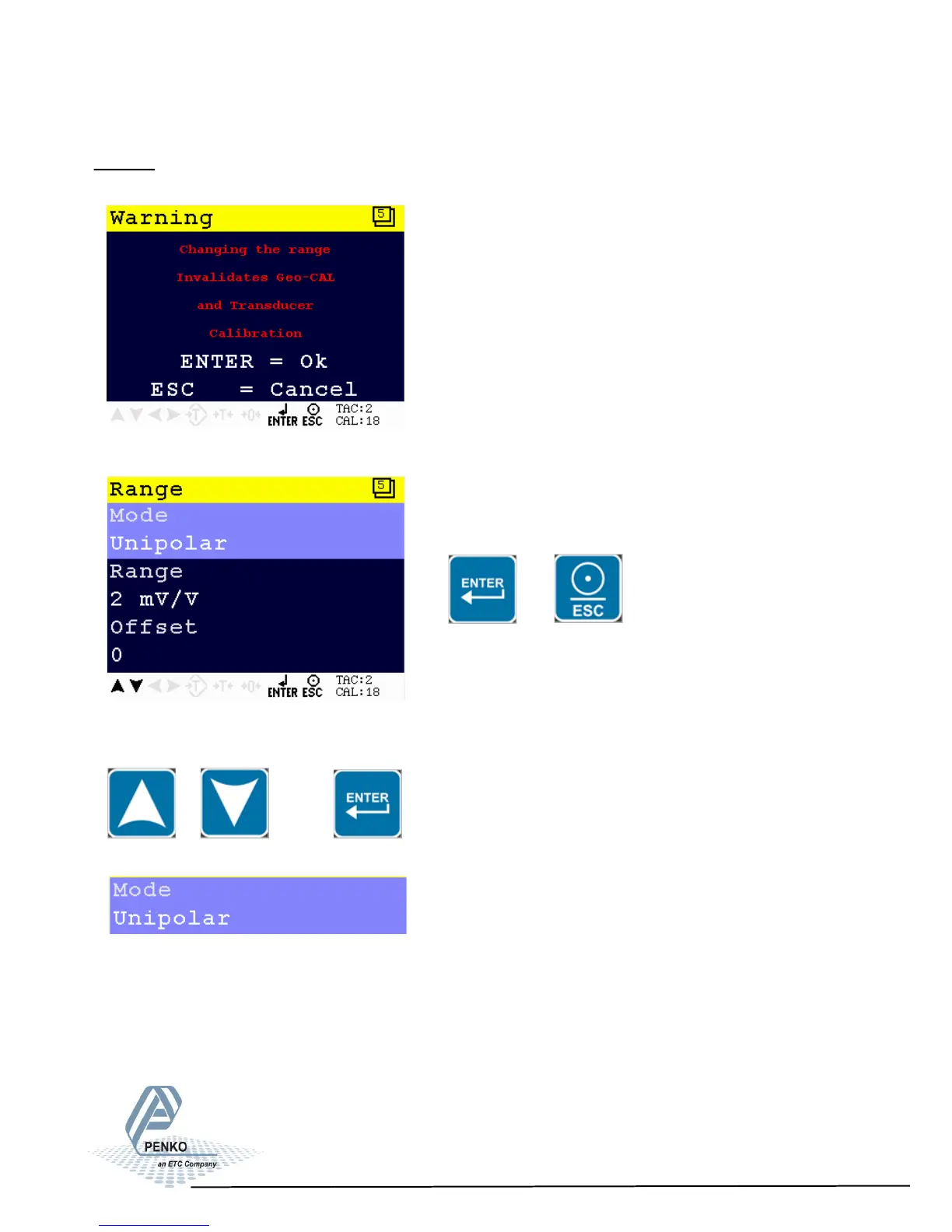
Range
In this menu the range for the load cells input can be set.
Enter the Range menu by pressing Enter of leave the menu by pressing ESC.
or
Scroll through the Range menu using the UP or DOWN key. Press Enter for
editing the setting.
Settings in the Range menu
Choose between Unipolar mode and Bipolar mode.
In Unipolar mode the input range for load cells is 0 mV/V to + selected value in
mV/V.
In Bipolar mode the input range for load cells is dubbled below zero.
53



 To Next Page