5.5. Menu Settings -Event Log-
1020 Indicator
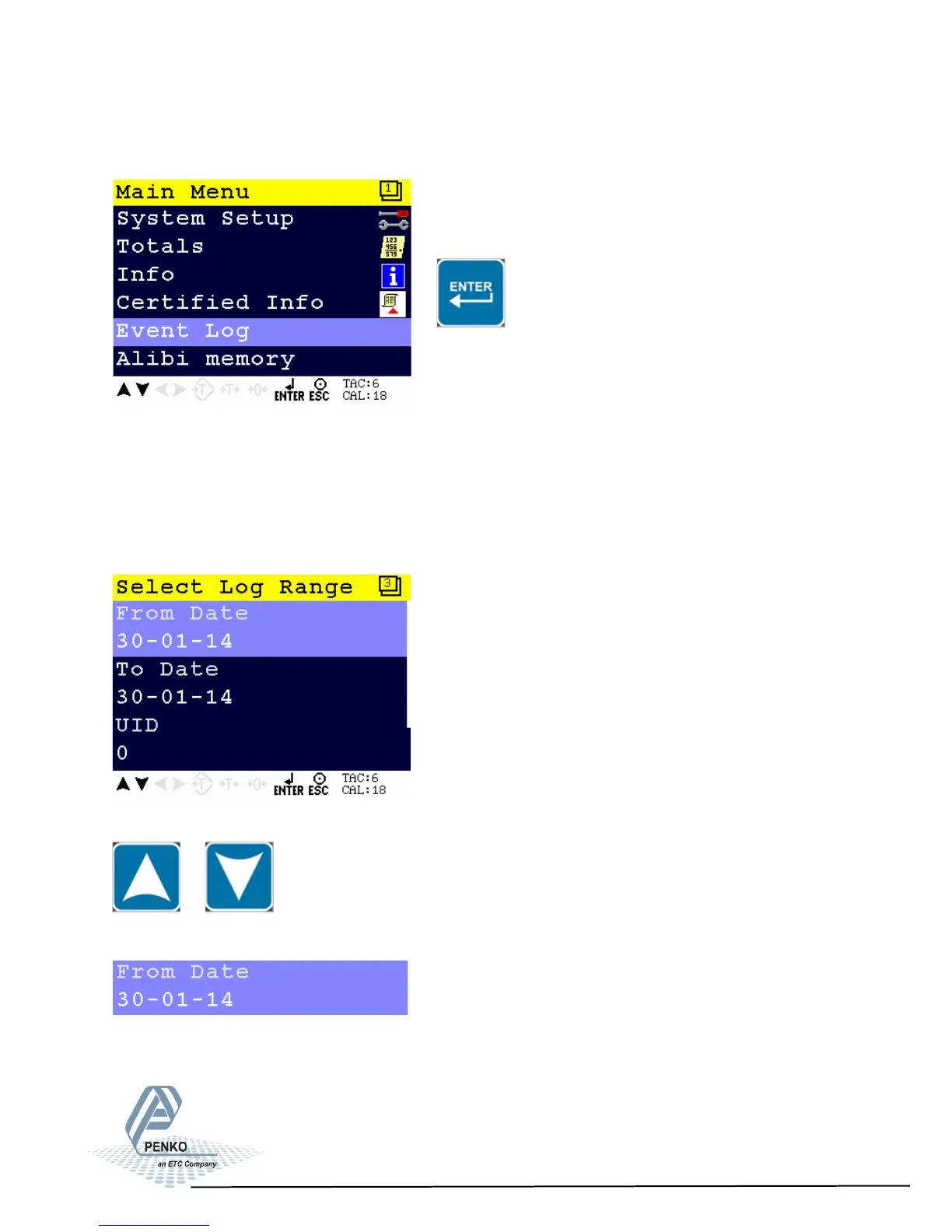
From the main screen, press Enter to get into the Event Log menu.
The Event Log shows all logged systems event.
This function is only availabe from firmware version 1.3.7.9.0.1 and
hardware revision 2.
The Event Log filters are From Date, To Date, UID and All.
Scroll through the menu options by using the UP or DOWN key.
Settings in the Event Log menu
Set the starting date for the Event Log.
87



 To Next Page