5.4. Menu Settings -Certified Info-
1020 Indicator
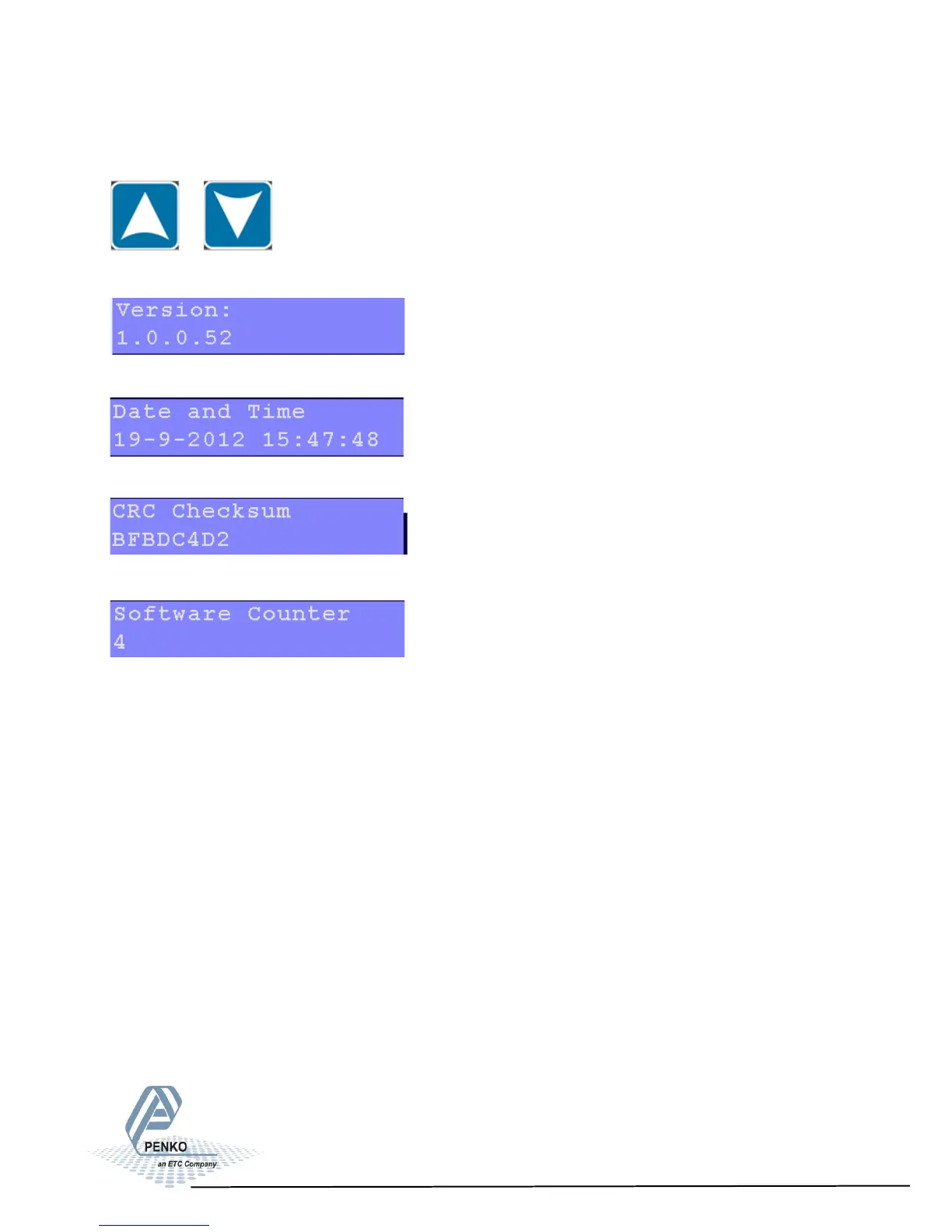
Scroll through the menu options by using the UP or DOWN key.
Settings in the Certified Info menu
Shows the certified version.
Shows when the PENKO 1020 was set to certified mode.
Shows the checksum on the program.
Shows the number of times a new firmware update to the PENKO 1020 is done.
86



 To Next Page