5.1.5. Menu Settings -System Setup - Screen Setup-
1020 Indicator
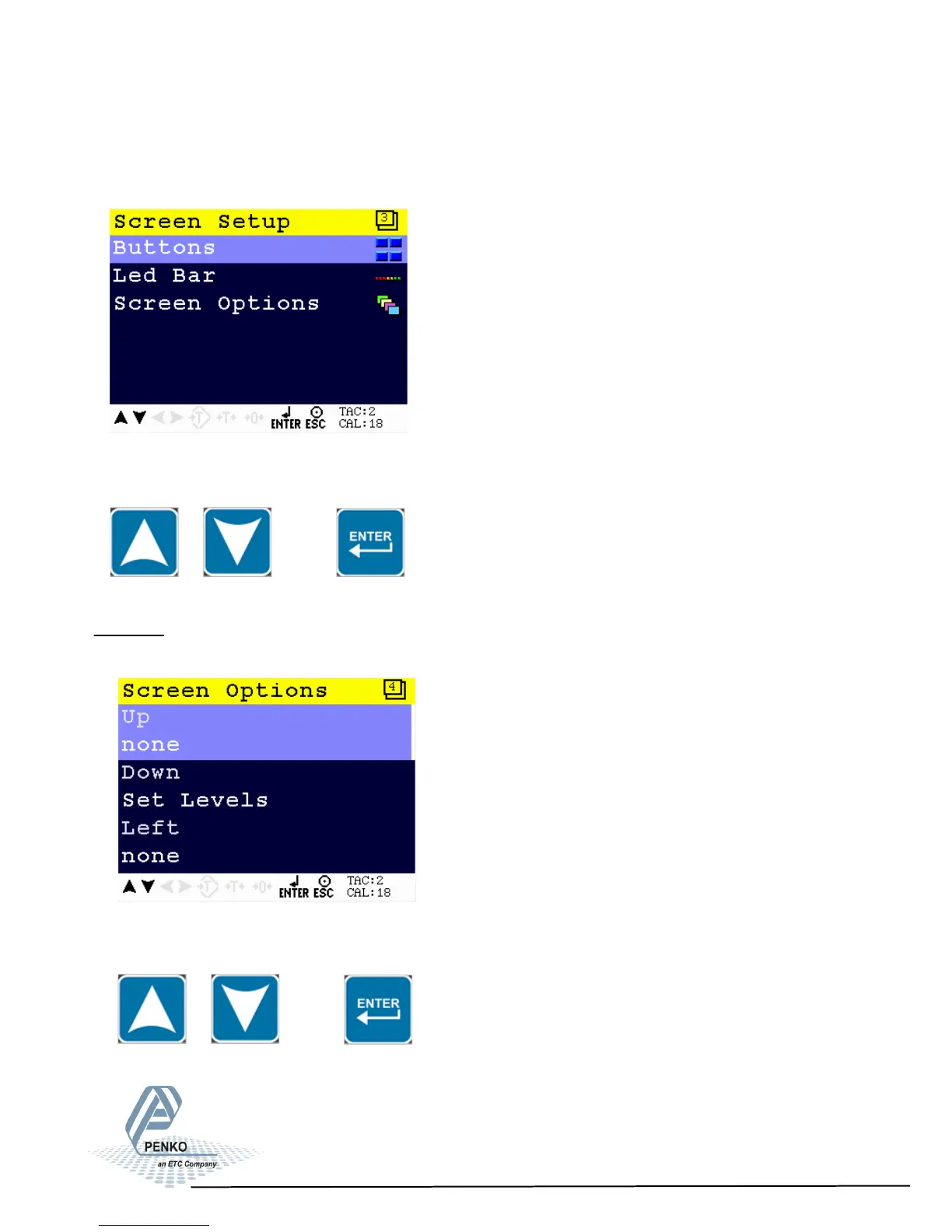
Screen Setup
In this menu, all screen options, button options, language and buzzer can be set.
Scroll through the Screen Setup menu using the UP or DOWN key. Press Enter
for editing the setting.
Buttons
In this menu, extra functions for the keys can be set.
Scroll through the Screen Setup menu using the UP or DOWN key. Press Enter
for editing the setting.
65



 To Next Page