5.1.5. Menu Settings -System Setup - Screen Setup - continue-
1020 Indicator
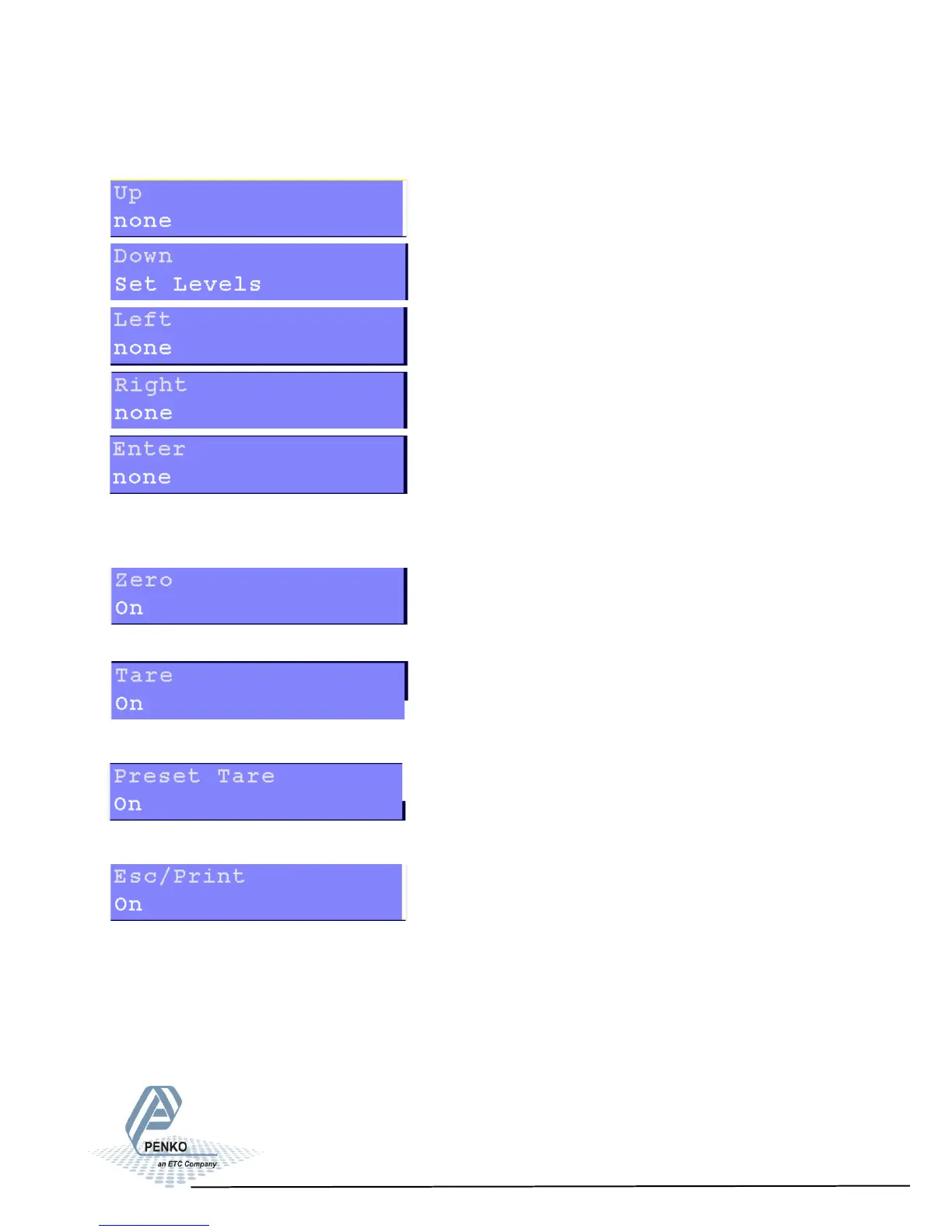
Settings in the Buttons menu
For these 5 keys, the extra functions to chose from are the same.
For explanation of the options, see appendix II.
Turn the Zero key on or off.
Turn the Tare key on or off.
Turn the Preset Tare key on or off.
Turn the ECS/Print key on or off.
66



 To Next Page