5.1.1. Menu Settings - System Setup - Port Setup-
1020 Indicator
Scroll through the menu options by using the UP or DOWN key and press Enter
to select the chosen option.
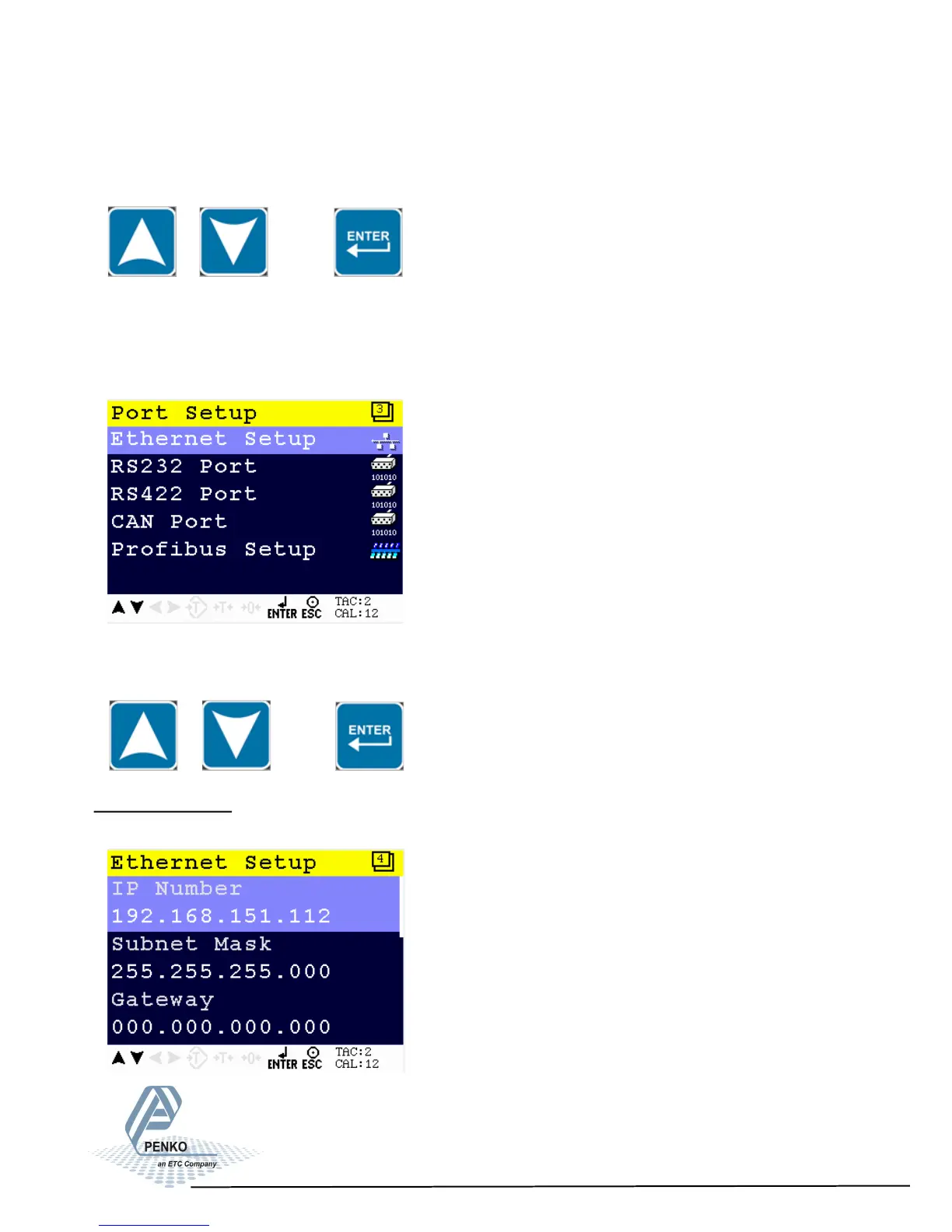
Port Setup
In this menu, all communication ports and protocols can be set. The options are
Ethernet Setup, RS232 Port, RS422 Port, CAN Port and Profibus Setup.
Scroll through the menu options by using the UP or DOWN key and press Enter
to select the chosen option.
Ethernet Setup
In this menu, all settings for the Ethernet comport can be set.
24



 To Next Page