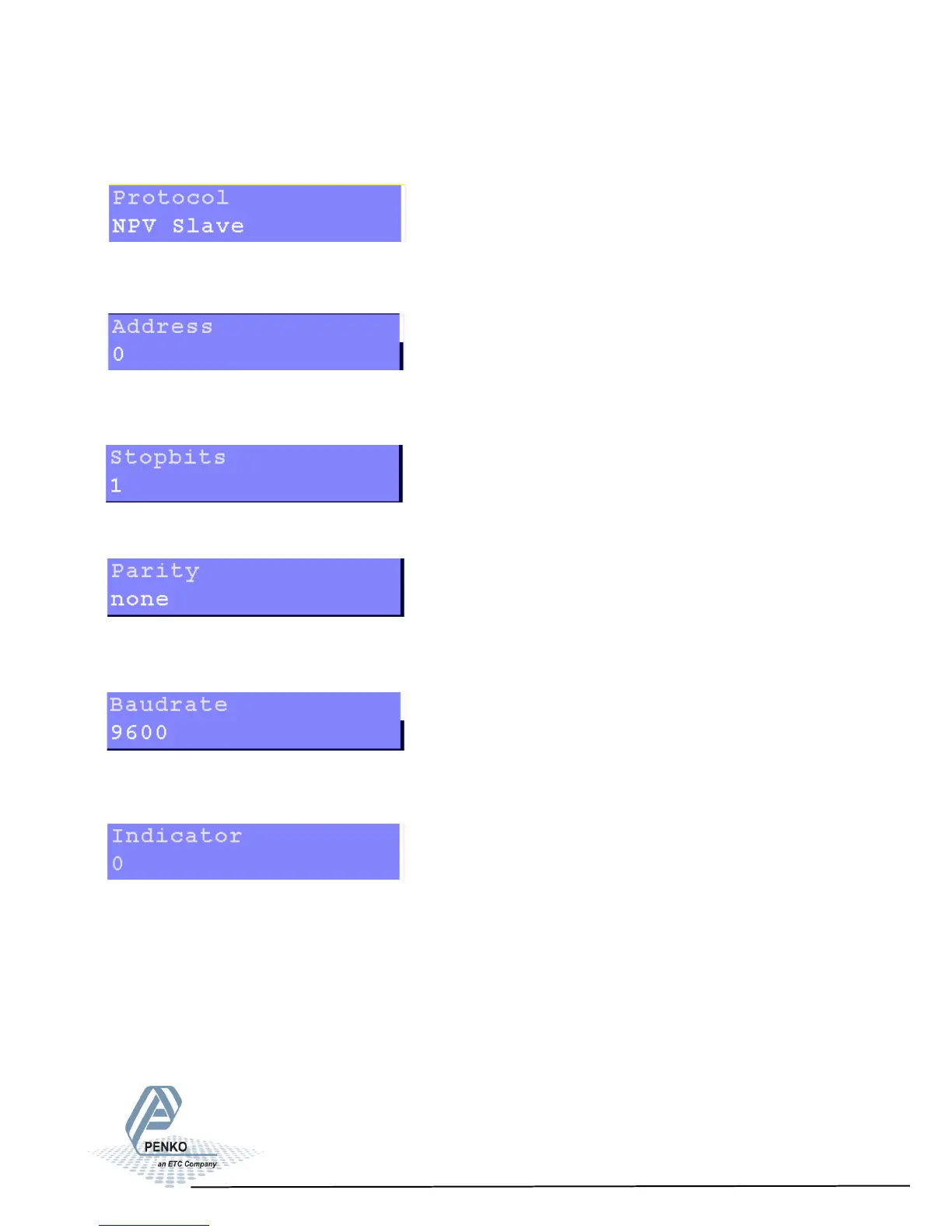
5.1.1. Menu Settings -System Setup - Port Setup - continue-
1020 Indicator
Settings in the RS422 menu
Select the communication protocol. Choose between None, Printer, ASCII, NPV
Slave, Modbus RTU and Modbus ASCII.
Select an address to identify the device in a configuration with multiple devices.
Choose a number between 0 and 255.
Select the number of needed stopbits for the protocol. Choose between 1 and 2.
Select a parity for the protocol. Choose between None, Odd, Even, Mark and
Space.
Select a speed for the protocol. Choose between 1200, 2400, 4800, 9600, 19200,
38400, 57600 and 115200 bps.
Only active when protocol ASCII is chosen. Selected indicator will be sent out
over the communication port. Choose a number between 0 and 100.
For explanation of the options, see appendix I.
28



 To Next Page