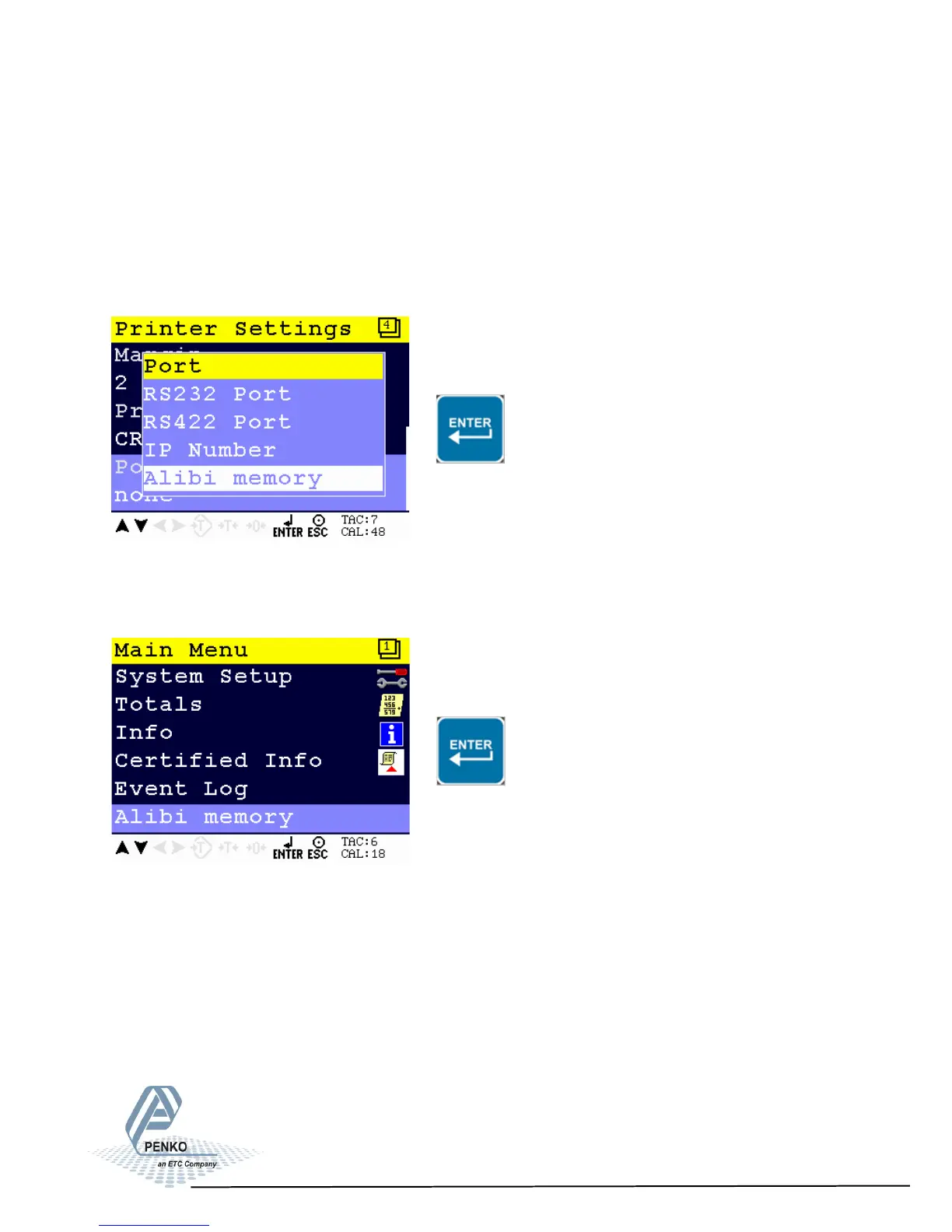
5.6. Menu Settings -Alibi Memory-
1020 Indicator
This function is only availabe from firmware version 1.3.7.9.0.1 and
hardware revision 2.
Generation of Alibi records
Select Alibi memory in the Printer Setting for the System Setup - Printer menu
(page 72) and press ENTER
Alibi memory menu
From the main screen, press Enter to get into the Alibi memory menu.
The Alibi memory shows all logged Alibi records.
The stored information is Net, Tare and Gross.
91



 To Next Page