1020 Indicator
4.1. First use of indicator -Weigher Settings - continue-
Use the UP and DOWN key to select the correct step size and confirm with Enter
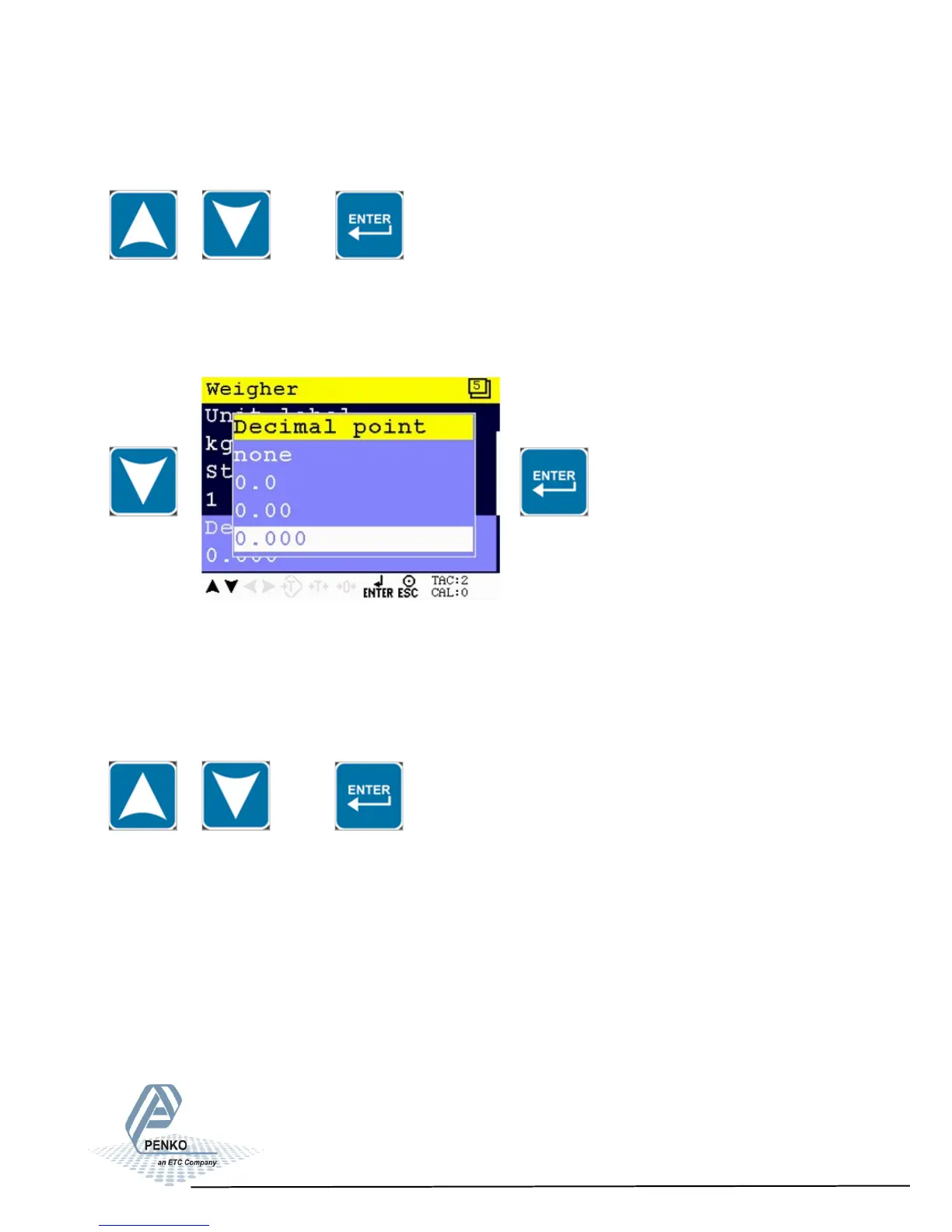
Decimal point position
Use the DOWN key to select Decimal point and press Enter
The decimal point defines the point of decimal of the weight value.
Choose between 0, 1, 2 or 3 decimals.
Use the UP and DOWN key to select the correct decimal point and confirm with
Enter
18



 To Next Page