5.5. Menu Settings -Event Log- continue
1020 Indicator
Use the UP, DOWN, LEFT and RIGHT key to enter the From Date. The UP and
DOWN keys are used for changing the value, the LEFT and RIGHT key is used
for changing the position of the cursor. Confirm the From Date with Enter.
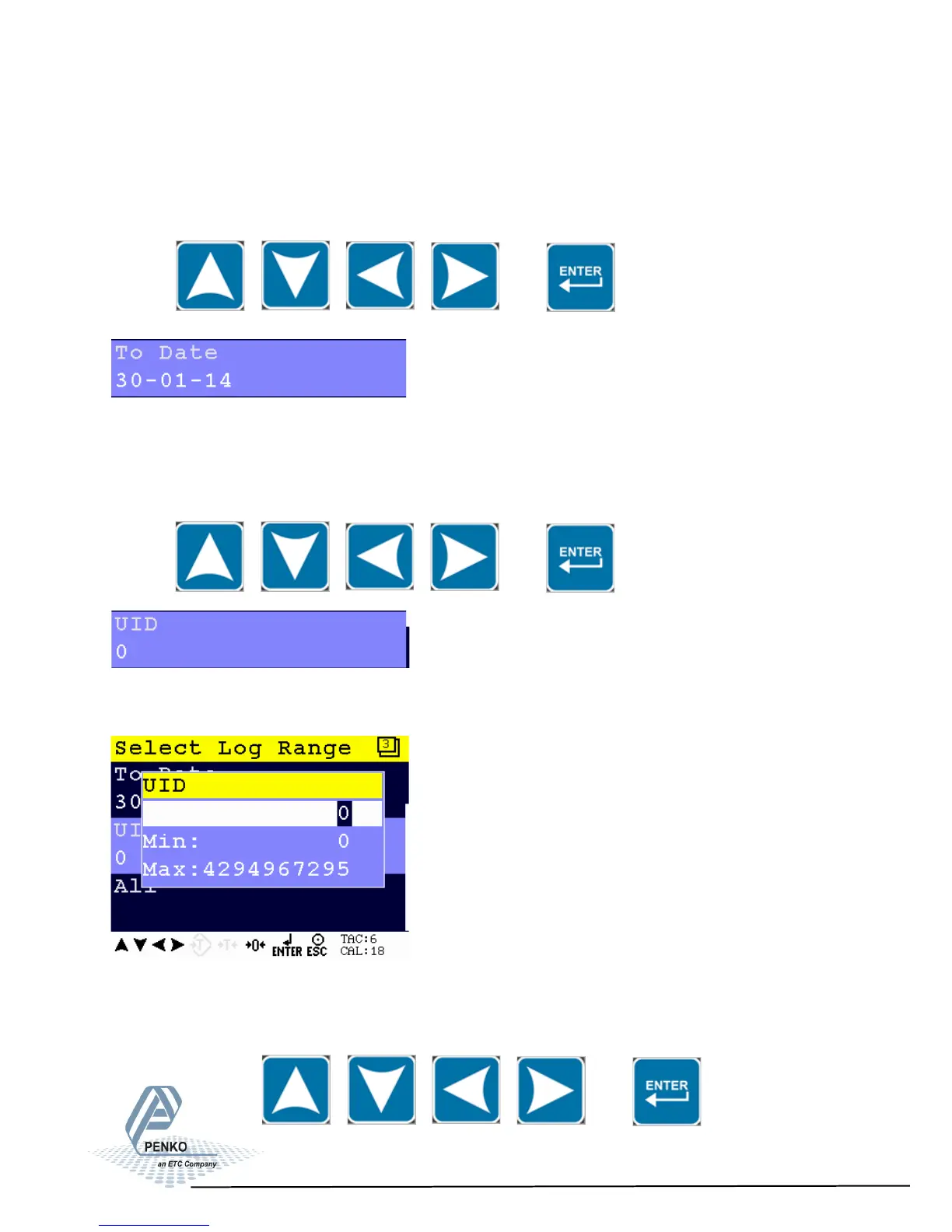
Set the end date for the Event Log.
Use the UP, DOWN, LEFT and RIGHT key to enter the To Date. The UP and
DOWN keys are used for changing the value, the LEFT and RIGHT key is used
for changing the position of the cursor. Confirm the To Date with Enter.
Set the Unique Identifier (UID) code for the Event Log. To make each record uni-
que, a UID is used.
Use the UP, DOWN, LEFT and RIGHT key to enter the UID code. The UP and
DOWN keys are used for changing the value, the LEFT and RIGHT key is used
for changing the position of the cursor. Confirm the UID with Enter.
88



 To Next Page