5.5. Menu Settings -Event Log- continue
1020 Indicator
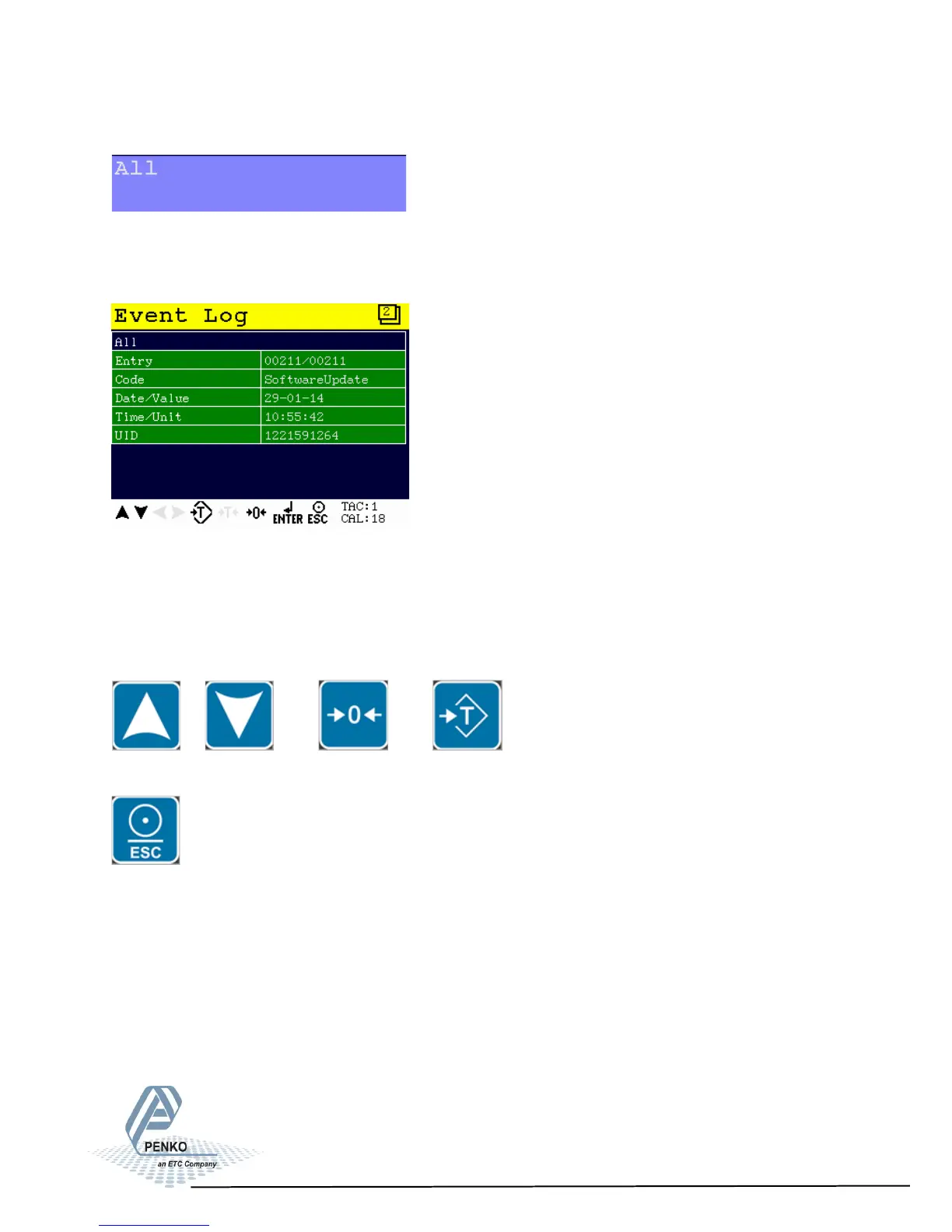
Selects all filters in the Event Log menu (From Date, To Date and UID).
Example of an Event Log:
Use the UP, DOWN, key to move through the Event Log entries. The white bar or
dot on the right side of the screen shows the position of the cursor in the log.
You can jump to the oldest event in the log by pressing ZERO.
You can jump to the newest event in the log by pressing TARE.
To print the current log selection, press ESC > 2 s.
> 2 s
89



 To Next Page