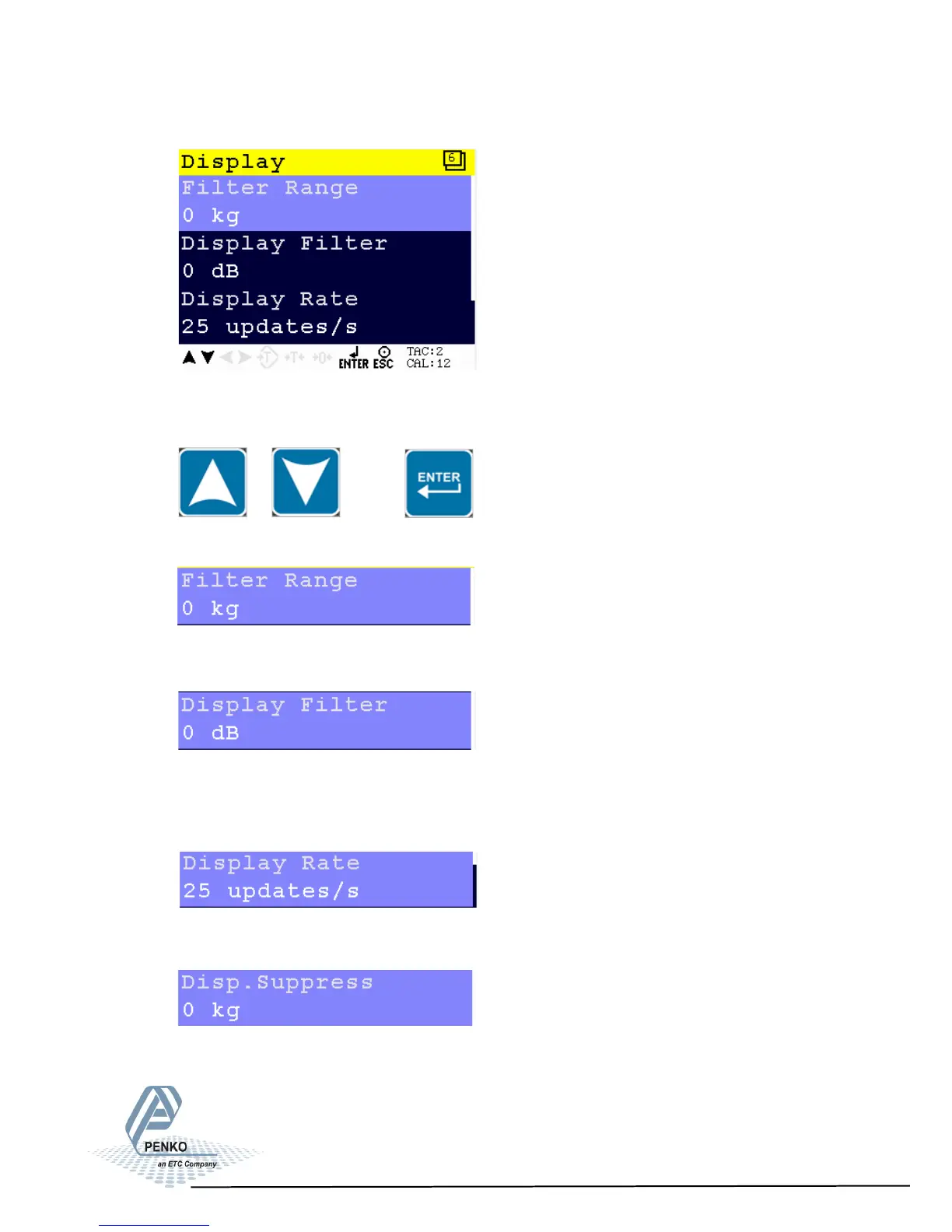
5.1.2 Menu Settings -System Setup - Indicator Setup - continue-
1020 Indicator
Scroll through the Filter menu using the UP or DOWN key. Press Enter
for editing the setting.
Settings in the Filter - Display Menu
Set the band where the filter is active. Choose a weight between
–8338608 and 8668608.
Set the strength of the filter. 0 means no effect and –50 is the strongest
damping. Choose between 0dB, -6dB, -12dB, -18dB, -30dB, -36dB,
-42dB and -50dB.
Set the refreshment speed of the filter. Choose between 1, 2, 3, 5, 10,
and 25 updates/s.
Set the band within the indicator will show 0. When the indicator is
certified, this parameter will be disabled. Choose a weight between
-8388608 and 8388607.
41



 To Next Page