5.1.2. Menu Settings -System Setup - Indicator Setup - continue-
1020 Indicator
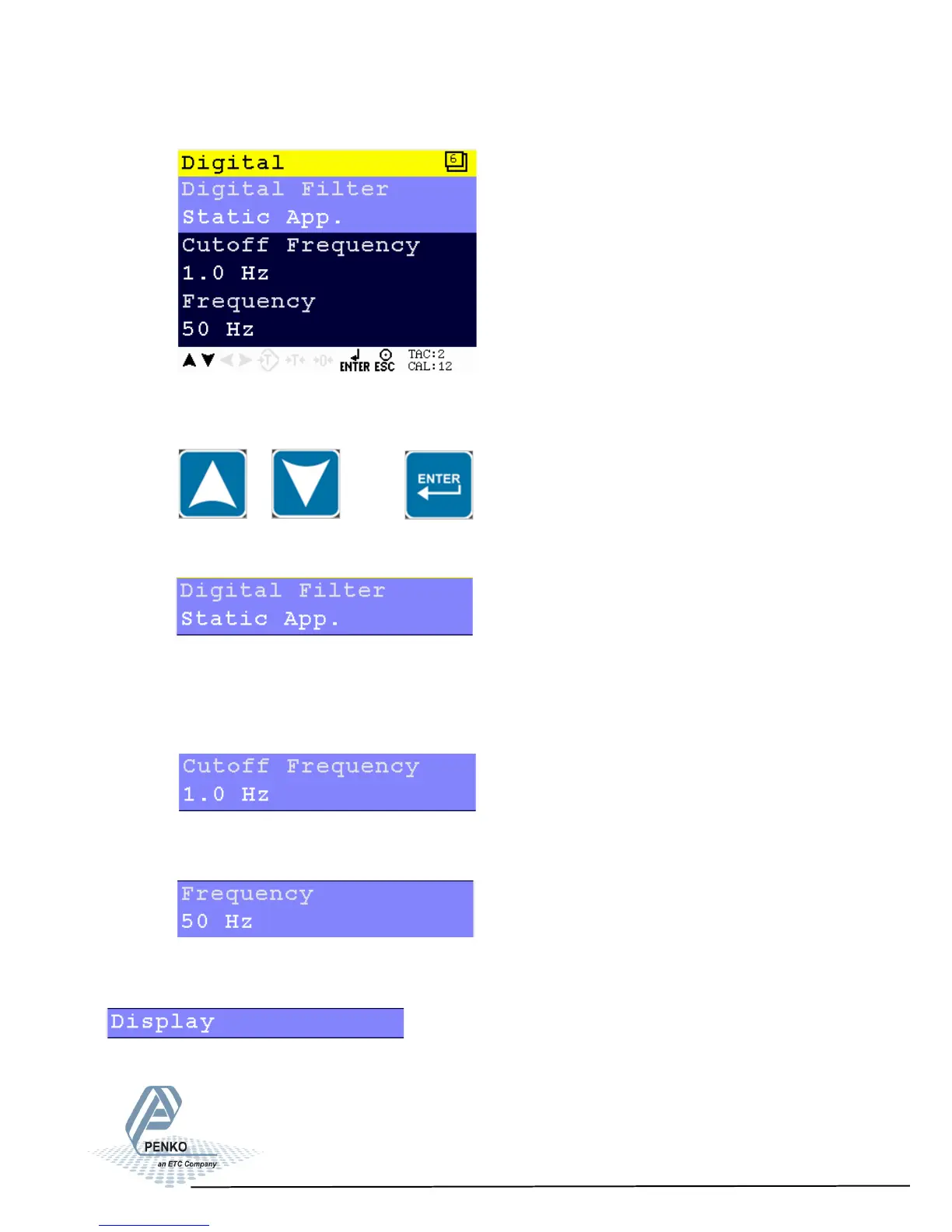
Scroll through the Filter menu using the UP or DOWN key. Press Enter
for editing the setting.
Settings in the Filter– Digital Menu
Choose between None, Dynamic Application and Static Application.
Dynamic application = used when the weighing signal is constantly
changing fast.
Static application = used when the weighing signal is slowly changing.
Determines the range used for filtering the signal. Choose between
1.0Hz, 1.4Hz, 2.5Hz, 5.0Hz and 10Hz.
Calculate the greatest common divisor of the disturbance frequency.
Choose a value between 1Hz and 200Hz.
The display filter will damp the weigher signal to the display to get a calm display
view.
40



 To Next Page