5.1.2. Menu Settings -System Setup - Indicator Setup - continue-
1020 Indicator
Example Max Step:
If the settings are:
Step size = 1, Range = 100 and Max.
Step = 50, the table on the right shows the
accompanying step size with which the
weigher values reduces within the displayed
ranges.
When the indicator is set to certified, the
maximum preset tare is equal to the first
level of the autorange. In this example the
preset tare is valid to 100.
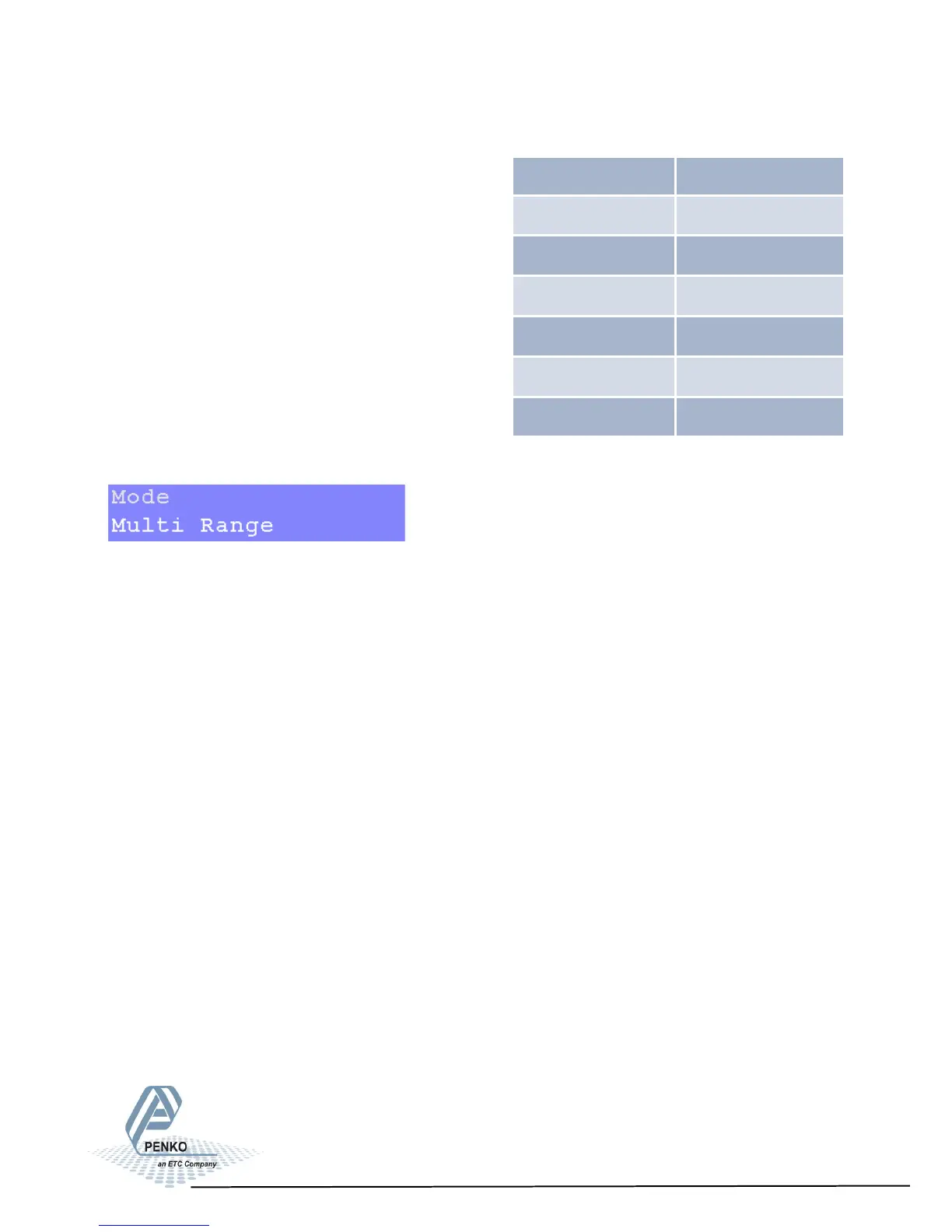
Choose between Multi Range and Multi Interval.
Multi Range = the highest shown step size will be reset after the signal has been
lower or equal to zero.
Mulit Interval = the highest shown step size will be reset after the signal reaches
the previous range.
Displayed range Step size
0-100 1
100-200 2
200-500 5
500-1000 10
1000-2000 20
2000-5000+ 50
38



 To Next Page