5.1.1. Menu Settings -System Setup - Port Setup - continue-
1020 Indicator
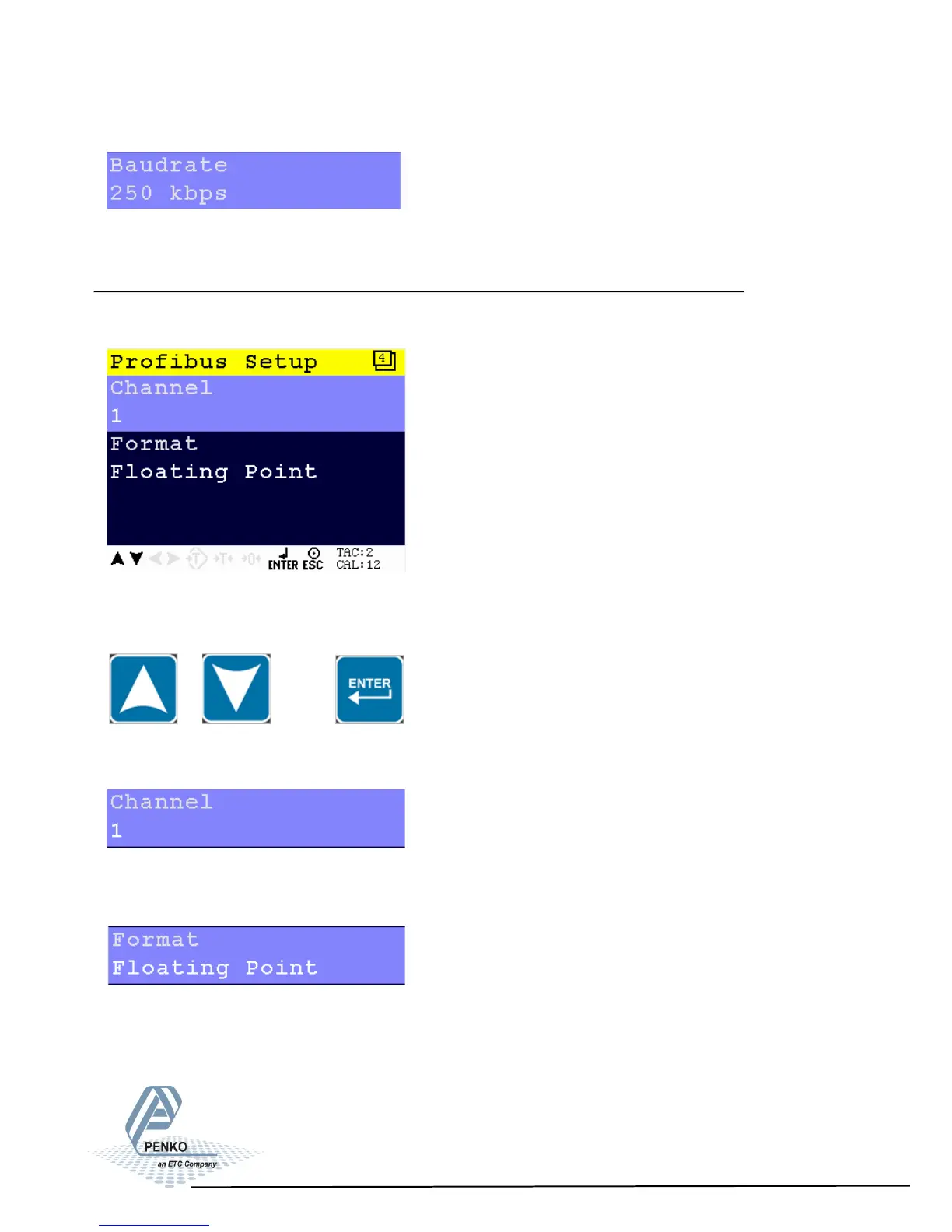
Select a speed of the protocol. Choose between 100, 125, 250 and 500 kbps.
Profibus Setup - Only available when Profibus option board is installed.
In this menu, all settings for the Profibus comport can be set.
Scroll through the Profibus Setup menu using the UP or DOWN key. Press Enter
for editing the setting.
Setting in the Profibus Setup menu
Select a channel to identify the device in the used configuration. Choose a
number between 0 and 255.
Select the format in which the profibus value is shown. Choose between Integer
(direct value without decimal point) and Floating Point (real value with decimal
point).
30



 To Next Page