5.1.3. Menu Settings -System Setup - In/Outputs - continue-
1020 Indicator
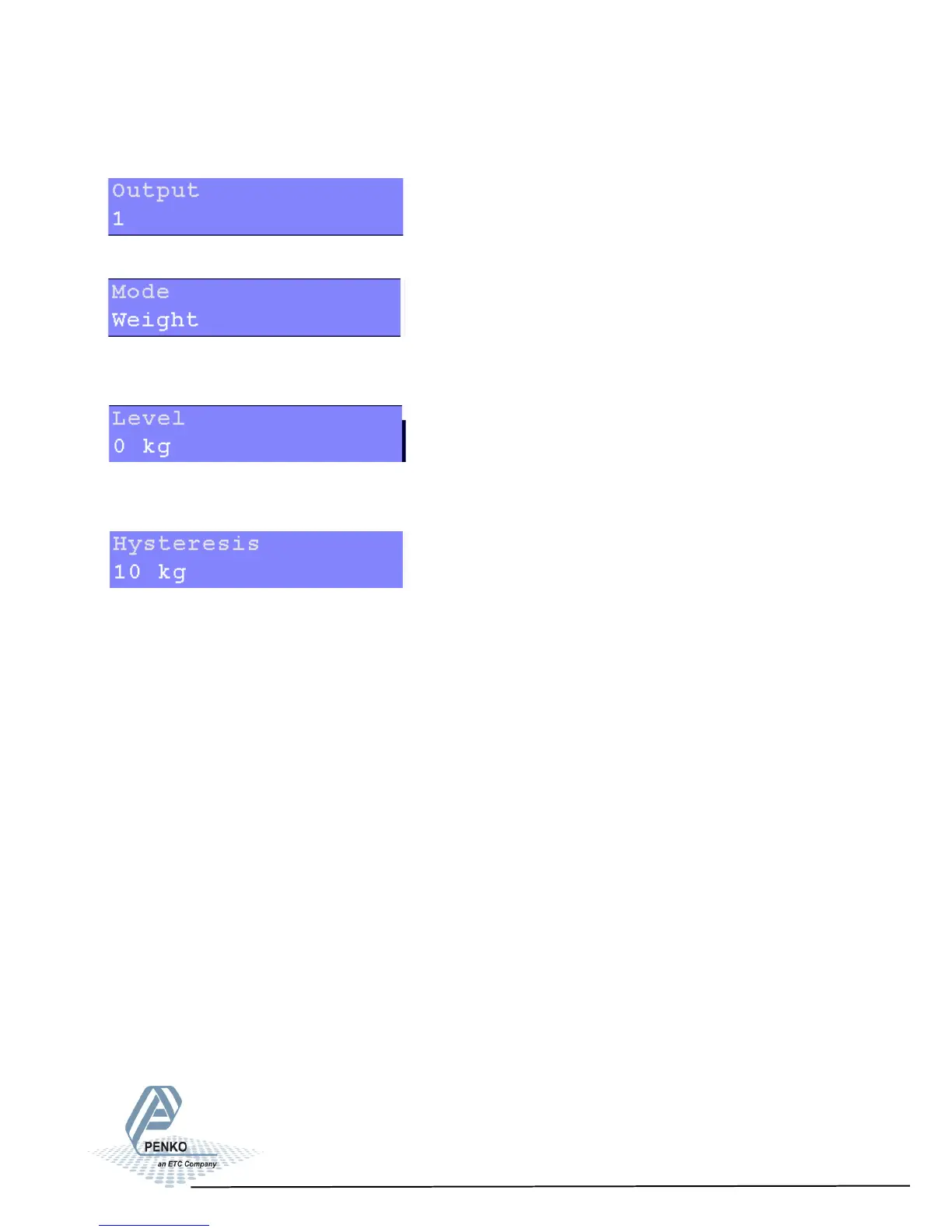
Settings in the Outputs/Levels menu
Select the output. Choose between 1, 2, 3 and 4.
Select the weigher mode the output has to switch on. For explanation of the op-
tions, see appendix III.
Set the level at which the output will switch on. Choose a weight between -
8388608 and +8388607.
Set the hysteresis for the outputs. See diagrams on the next page. Choose a va-
lue between -8388608 and +8388607.
Positive hysteresis
Contact opens at or above setpoint value. Contact closed below setpoint value
minus hysteresis.
Negatie hysteresis
Contact closes above setpoint value plus hysteresis. Contact opens at or below
setpoint value.
57



 To Next Page