5.1.9. Menu Settings -System Setup - Software Update - continue-
1020 Indicator
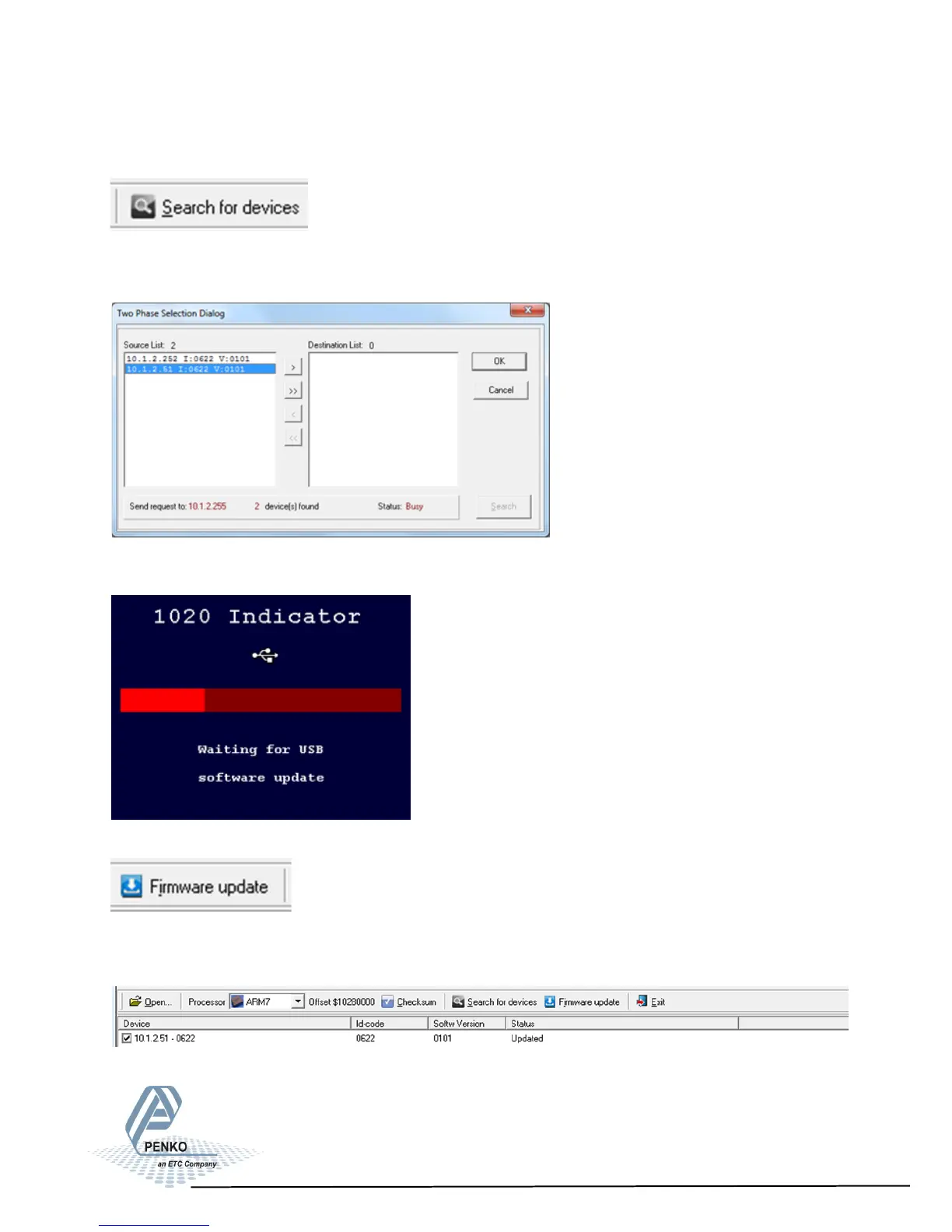
Click ‘Search for devices’ and select the the device wtih source ’0’.
Use double click or the arrow button to put the address in the ‘Destination List’
and click ‘OK’.
Now set the PENKO 1020 in update mode.
Click ‘Firmware update’ to start the update.
The PENKO 1020 will automatically reboot and the ‘Firmware Update Manager’
wil show ‘Updated’.
81



 To Next Page