User’s Manual of IGS-604HPT-M12
36
2.2.4 Recovering Back to Default Configuration
IP address has been changed or admin password has been forgotten –
1. Power off the Industrial Managed Switch and remove all the existing connections.
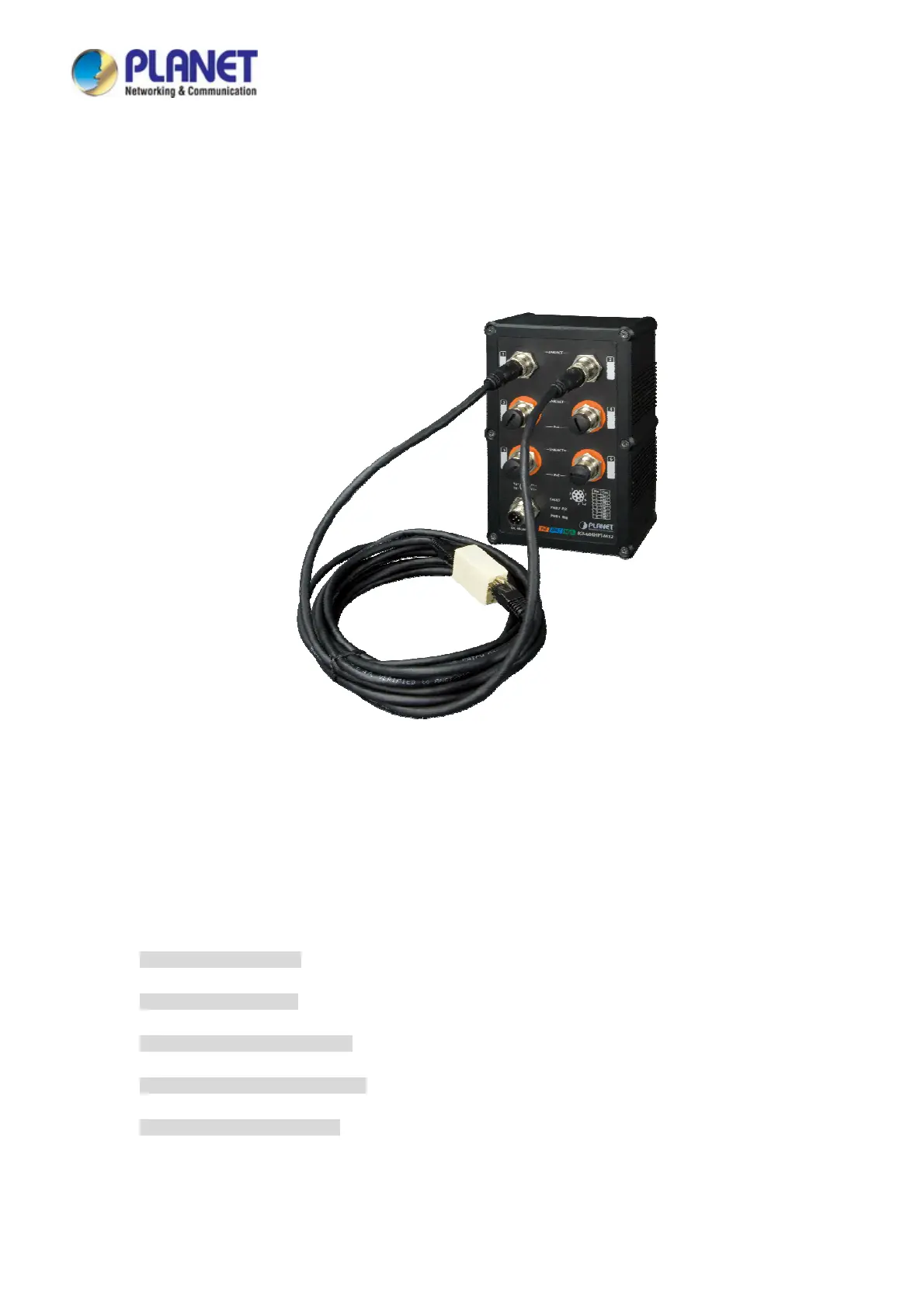
2. Use the M12 cable to connect to port 1 and port 2 in the loop topology as shown below:
3. Power on the Industrial Managed Switch and 6 LNK/ACT LEDs will be lit.
4. Resetting Industrial Managed Switch to the factory default is done when 6 LNK/ACT LEDs are lit again.
5. Remove the M12 cable from port 1 and port 2.
6. Reset the Industrial Managed Switch to Factory Default configuration. The Industrial Managed Switch will then reboot and
load the default settings as shown below:
Default Username: admin
Default Password: admin
Default IP Address: 192.168.0.100
Default Subnet Mask: 255.255.255.0
Default Gateway: 192.168.0.254



 To Next Page
 Loading...










