154
Polyend Play+ Manual Rev 2
NOTES
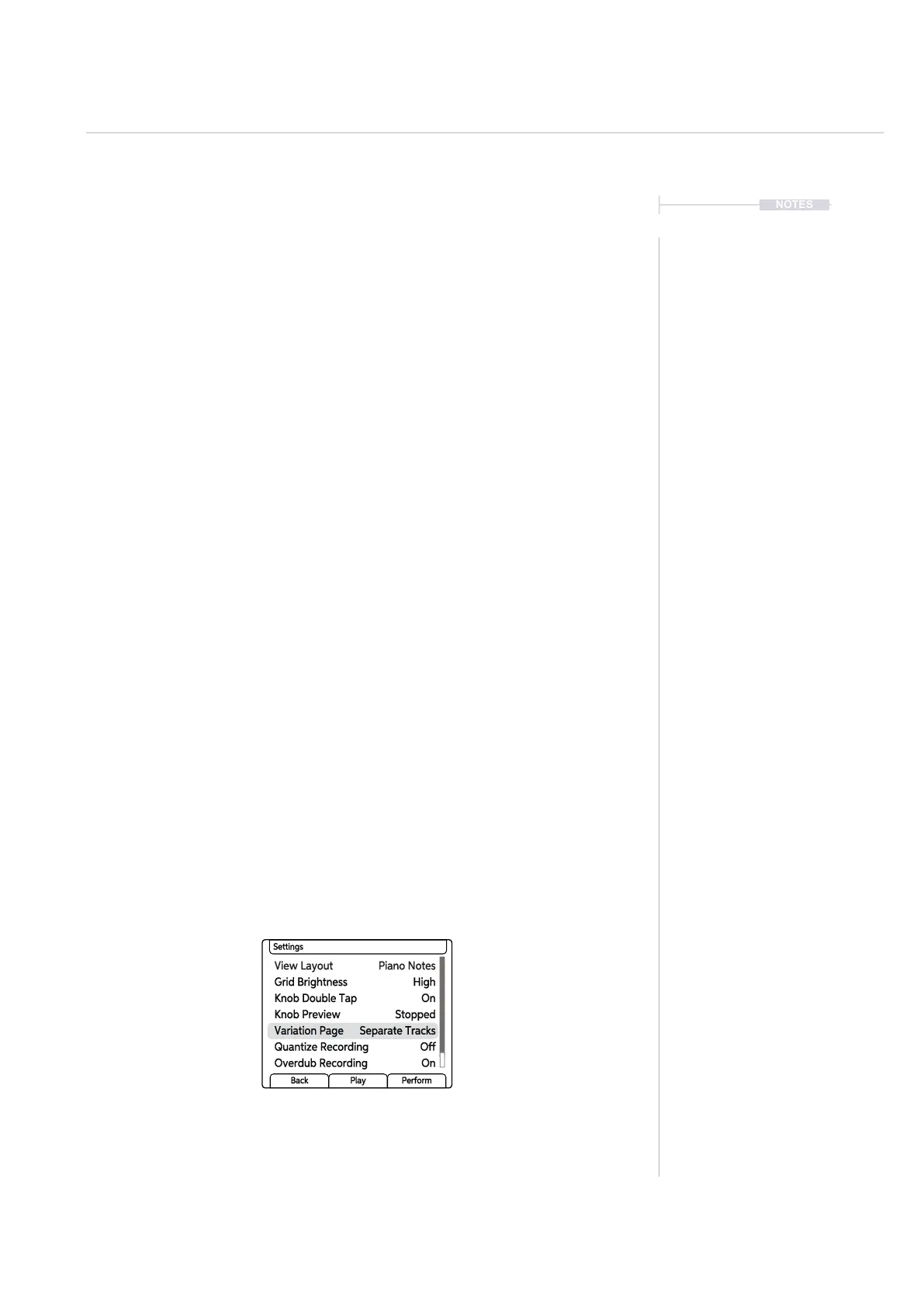
There is a main menu settings option that affects the way that the variation
page is presented. By default, selecting a [Variation] button for a track will
only present the selected track’s 1-16 variation slots. The option to display
and select all tracks when pressing any [Variation] pad is also possible.
▌ CHANGING VARIATION PAGE BEHAVIOUR
1. Press (Screen) to select the main menu.
2. Turn (Screen) to scroll and highlight the sub menu options. Highlight
‘Settings’. Press (Screen) to select this sub menu.
3. Turn (Screen) to scroll and highlight the options. Highlight ‘Variation
Page’. Press (Screen) to select this option.
4. Turn (Screen) to scroll and highlight the options. Highlight either
‘Separate Tracks’ or ‘All Tracks’. Press (Screen) to select the
highlighted option.
5. Press the [Variation] pad located on column 19 for the respective track
to select variation mode for the track. The variation pad will be lit bright
green and the variation slots 1-16 for the track will be lit yellow.
• Separate Tracks. This is the default setting and will only display the
page for the selected tracks. Track selection is made by using the
[Variation] pad row for each track to select.
• All Tracks. When selecting any [Variation] pad for any track, the
variation page will show the entire set of tracks. All tracks will also
be automatically selected. Press any [Variation] pad row to select all
or no tracks.
6. Press [Back] screen button several times to exit the menus.
View Layout Piano Notes
Knob Double Tap On
Variation Page Separate Tracks
Grid Brightness High
Knob Preview Stopped
Quantize Recording Off
Overdub Recording On
Settings
Back Play Perform
Arrangements & Variations
7



 To Next Page