35
Polyend Play+ Manual Rev 2
Project & Tracks
3
NOTES
3.4 Track Selection.
One or more tracks can be selected using the function option pads. This is
particularly important when editing specic track parameters and when
using perform mode. Parameters may not be able to display an absolute
setting if multiple tracks are selected. Also adjustments made when multiple
tracks are selected will adjust the setting relative to each track’s current
value. When no track is selected, generic editing is performed.
▌ SELECTING AND EDITING A TRACK
1. Ensure sequence mode is active to allow selection of the 8 tracks.
Ensure perform mode is off.
2. Tap the [Select] Pad, column 20, last on the right for the respective
track to select. Tracks are represented by rows. Multiple tracks can be
selected. Tapping a pad toggles selection on or off.
3. The selected function pad will illuminate bright green, other deselected
pads dimmed green. Function pads are purple for MIDI / Synth tracks.
Also steps for the track will illuminate blue for note steps and dimly lit
blue for empty steps.
4. Any edits to parameters will now be applied as a relative adjustment to
any of the tracks parameters original value.
5. Selecting an individual step will exit multi track selection mode.
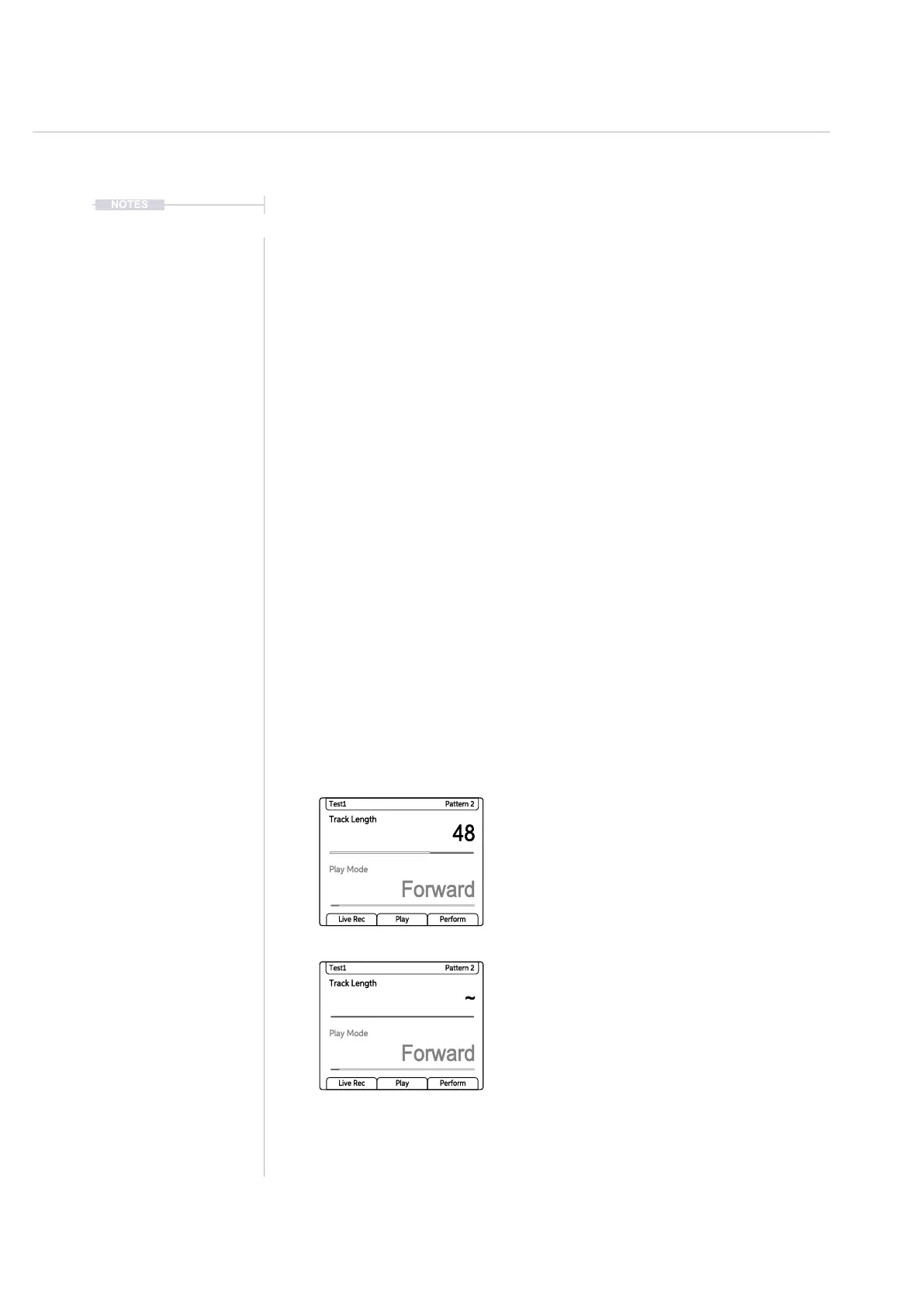
Individual parameter selection with a track. Absolute value
is displayed and can be edited.
Where multiple, different parameter values exist, i.e.
multiple tracks, the ~ tilde symbol is presented. Any
parameter adjustments will change all values relatively from
the original value, e.g. +1, +2, while the tracks are selected.
Track Length
48
Forward
Test1 Pattern 2
Play Mode
Live Rec Play Perform
Track Length
Forward
Test1 Pattern 2
Play Mode
Live Rec Play Perform
~



 To Next Page