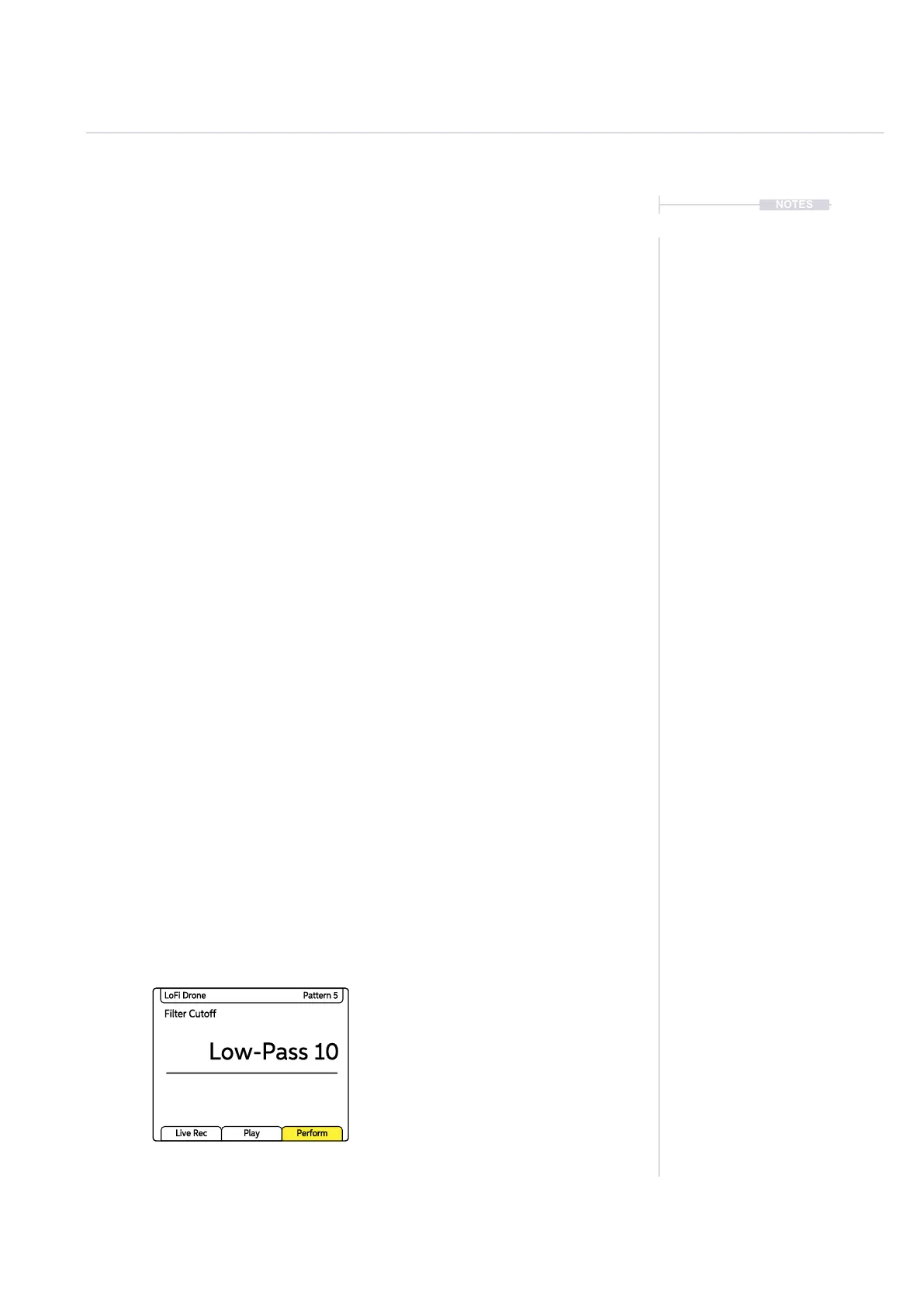
Filter Cutoff
Low-Pass 10
LoFi Drone Pattern 5
Live Rec Play Perform
166
Polyend Play+ Manual Rev 2
Perform Mode
8
NOTES
8.1 Perform Mode.
Perform mode presents a playable pad grid that generates punch-in effects.
Parameter adjustments are also possible. This creates an environment
perfect for live and improvised performances.
▌ SELECTING PERFORM MODE
1. Press [Perform] Screen Button. Perform mode is only available for
Audio tracks and is not available in MIDI Mode.
2. The Perform button tag on the display will illuminate yellow when in
perform mode.
3. Perform Mode Considerations;
• If ‘Live Rec’ mode is active when entering Perform Mode, it will
automatically exit. If pressing [Live Rec] when in Perform Mode then
Perform Mode is exited and Live Rec selected.
• The following primary / secondary parameters are not available in
Perform Mode: Repeat Type / Repeat Grid, Chance / Action, Move /
Micromove. Other parameters can be edited in Perform Mode.
• Any latched punch-in effects applied on the pads when exiting
Perform Mode will be re-activated when re-entering Perform Mode.
Not applicable to control knobs.
• The display will show the effect selected when in Perform Mode.
• The right side function buttons columns operate as normal re track
selection, variations, mute and solo.
4. To exit Perform Mode, Press [Perform] again. The Perform button
display tag will revert to white.
5. If selecting [Patterns] mode, the latched effects will remain in place.
Where multiple settings exist on a
track / selected steps a tilde ~
symbol will be displayed together
with +/- for the generic offset.



 To Next Page