101
Polyend Play+ Manual Rev 2
NOTES
5.10 Synthesizer Macros.
Each patch has a number of parameters that are assigned to 3 of the panel
knobs. A macro therefore will control this group of parameters collectively
when adjusting a single knob. Macros are assigned and range mapped as
part of the patch.
Samples & Synths
5
Overdrive
Bit Depth
‘Filter env amount’
On
Env amt
0.00
0.00
0.00
0.00
0.00
Macro Name
Name which appears on the display
Bipolar
Knob range On -63 to +64, Off 0-127
Parameter 1
Parameter that the knob will affect
Parameter that the knob will affect
Parameter that the knob will affect
Parameter that the knob will affect
Parameter that the knob will affect
Parameter 2
Parameter 3
Parameter 4
Parameter 5
Amount 1
Starting value from which macro will adjust
Starting value from which macro will adjust
Starting value from which macro will adjust
Starting value from which macro will adjust
Starting value from which macro will adjust
Amount 2
Amount 3
Amount 4
Amount 5
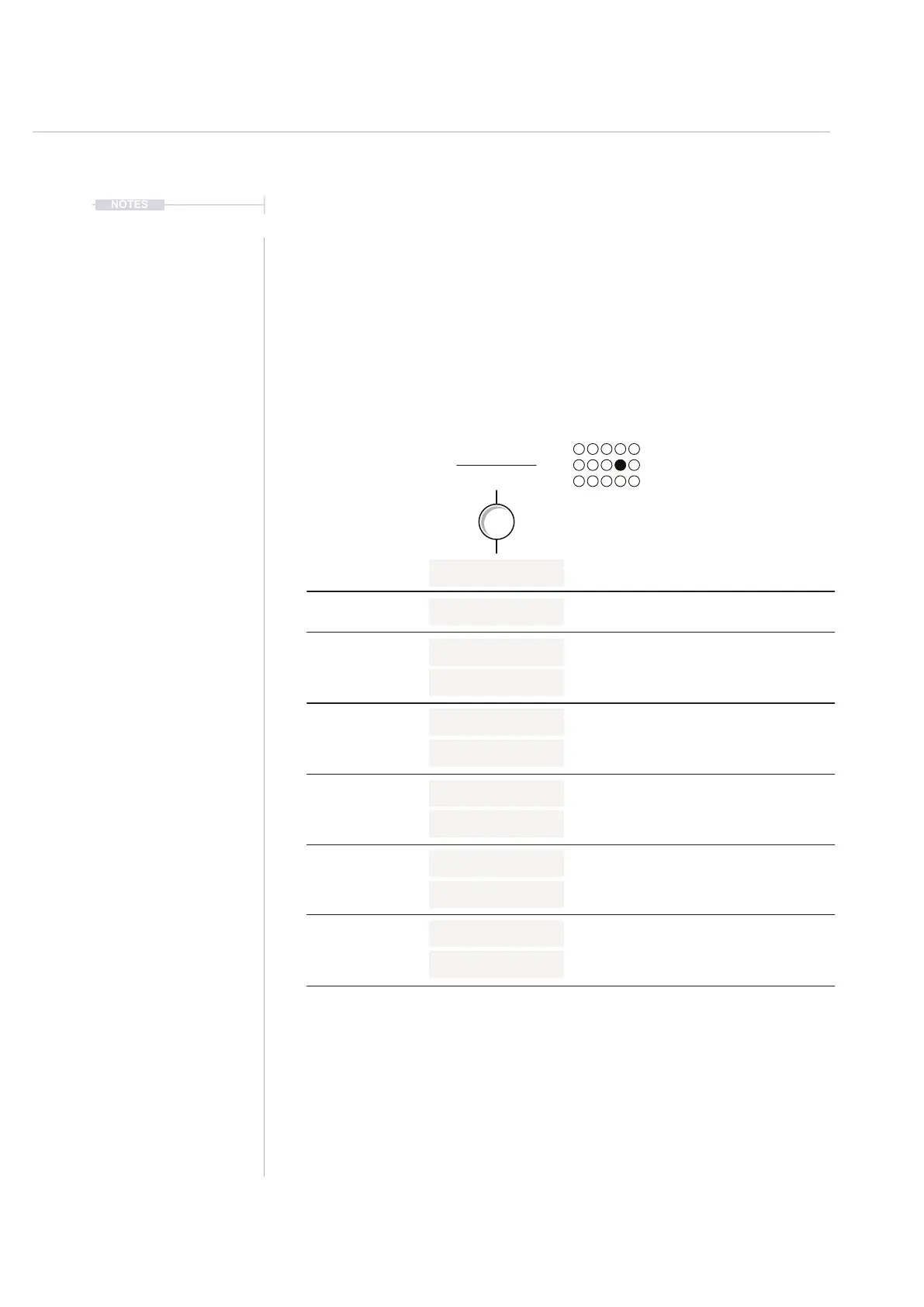
Structure of a Macro
Example: Overdrive Macro Mapping for ACD
A macro is controlled by one knob function but can change up to 5 parameters.
These are mapped in the patch editor. The starting point is the value as assigned in
the patch which also contributes to determining the range of the value change.



 To Next Page