178
Polyend Play+ Manual Rev 2
Effects
9
NOTES
9.5 Master Reverb.
Reverb is one of the two send effects. As stated a send effect routes an
adjustable amount of audio in parallel to its main signal path and is sent to
a common audio effect. In this case reverb. This reverb affected audio is
then returned back to the main audio path. The effect itself is a common
function, managing several send / return signals.
What is a reverb effect?
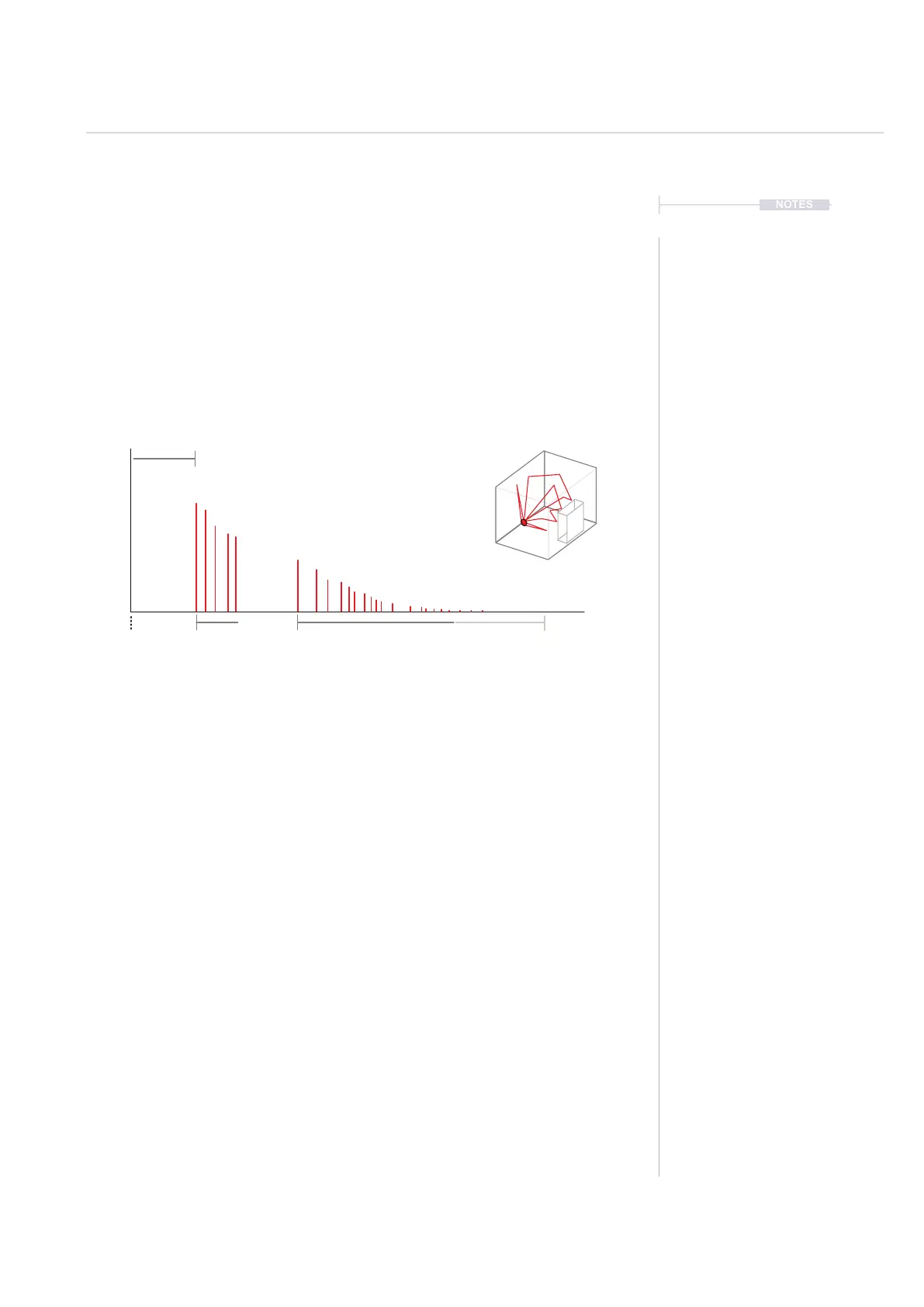
A reverb is a common production effect used to replicate the audio
behaviour of spaces. A normal space such as a small or large room will
reect audio differently. Think of how the sound reects in a large cathedral
compared to a small room and how furniture absorbs or reects sound. The
sound will bounce and reect between the walls and other elements in the
room. These reections arrive at the human ear at different times and
different levels. Reverb is an effect that replicates this behaviour.
Reverb parameters mainly focuses on the space / room characteristics. The
detailed parameters are set and locked into the preset.
In Play+ there are two factors that can be controlled for reverb:-
• The send amount between 0% - 100%. This is set with the ‘Reverb
Send’ Parameter knob and is applied to individual steps or a track.
Tap to select the primary, Reverb Send parameter and adjust with
the Parameter knob or (Screen) knob.
• The preset which will automatically congure the style and character
of the main reverb. This applies to the main FX and therefore will
take input from all send signals.
A series of reverb patches can also be triggered in Perform Mode.
Size
Emulates the physical room size
Predelay
Time from initial sound to early reections
Diffusion
Time between early reections.
Closer together thickens the sound.
Damping
This replicates ‘softer’ environments where
sound is absorbed rather than reected.
Initial Sound Early Reections Subsequent Reections Reverb Tail



 To Next Page