EasyManua.ls Logo

Polyend Play+ - Settings Menu Map

Polyend Play+
236 pages
Print Icon
To Next Page IconTo Next Page
To Previous Page IconTo Previous Page
Loading...
26
Polyend Play+ Manual Rev 2
Architecture
2
NOTES
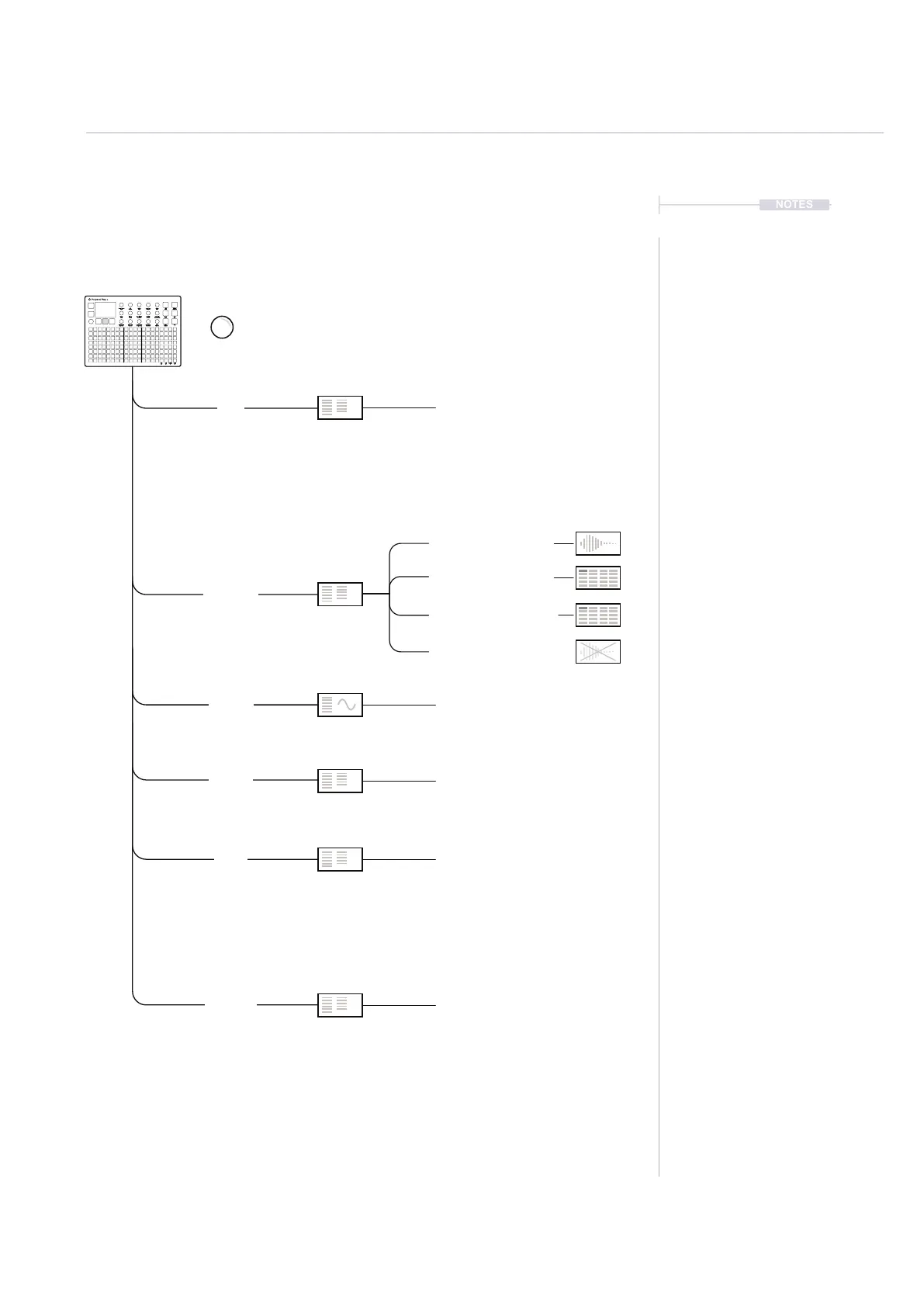
2.4 Settings Menu Map.
As a quick guide to the settings and menu hierarchy in Play+ the following
diagram illustrates the main pages.
[File]
[Samples]
[MIDI]
[Settings]
[Synths]
[Scales]
[View Sample Pool]
[Load Sample Pack]
[Load Files or Folders]
[Delete Unused Samples]
Tap (Screen) to access the menu. The menu position will be retained
from how it was previously left. Turn (Screen) to navigate the menus.
View Layout
CC Mapping
New Project
Synth 1
Scale Filter
Variation Page
Transport Out
Export
Knob Double Tap
Transport In
Save Project
Synth 3
Scale Root Note
Overdub Recording
Grid Brightness
Clock In
Open Project
Synth 2
Scale Type
Quantize Recording
Notes In
Notes In Channel
Knob Preview
Clock Out
Save Project As
Fill Cong
Firmware

Table of Contents

Related product manuals