201
Polyend Play+ Manual Rev 2
NOTES
Play+ has polyphonic tracks in MIDI Mode which allows chords to be
applied from Play+ chord preset library, accessed with the ‘Sample Start’
knob. The chord will operate based on the scale set in the settings menu.
▌ CREATING A MIDI CHORD SEQUENCE
1. Ensure the scale type is set as desired in the main menu. Press
(Screen) to access the main menu and choose the ‘Scales’ sub-menu.
To cover all the chord options use chromatic.
2. A work step can be set for the root note and chords but it is better to use
per step editing for these. The work step however is a good option to
set for a generic MIDI Channel and Port.
3. Live recording allows real-time recording of MIDI notes. Use the View
keyboard to play in and record steps to selected tracks.
4. For per step editing, keep the step [Pad] held in the following
instructions:-
• Hold [Pad] + Turn (Sample) to set the MIDI Channel and Port if a
per step setting is required for these options.
• Hold [Pad] + Turn (Note) to assign the root note. Example ‘C’
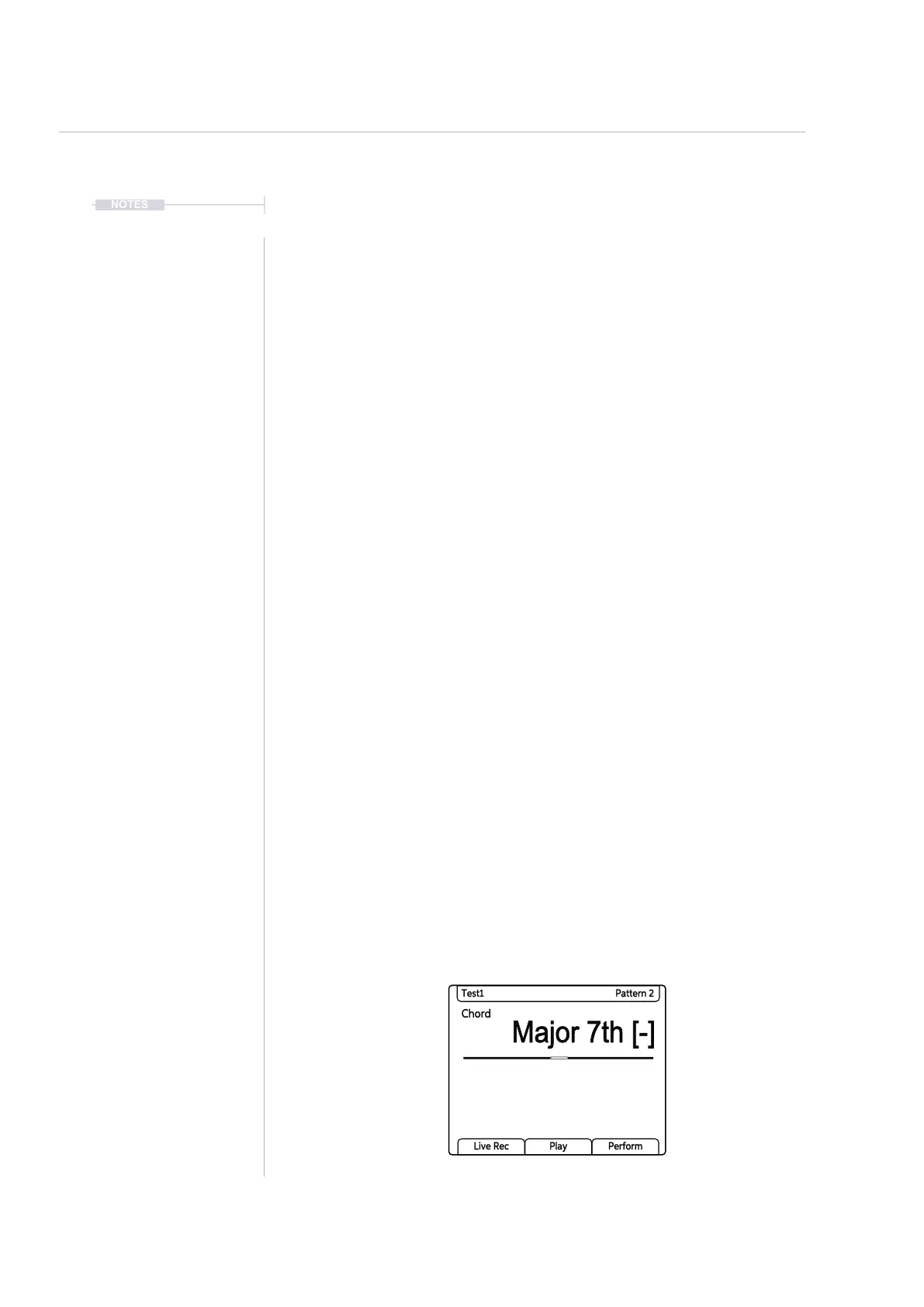
• Hold [Pad] + Turn (Sample Start) to assign a chord type from the
chord library. These are predetermined chords. If a chord contains
notes not in the active scale type, a [-] symbol will be displayed
alongside the chord name. The chord will still be transmitted.
• Other parameters such as note length and velocity can also be set if
required per step or as a work step.
5. Repeat the instructions in step 3 to build melodic progressions across
the tracks.
Chord
Major 7th [-]
Test1 Pattern 2
Live Rec Play Perform
MIDI
10



 To Next Page