223
Polyend Play+ Manual Rev 2
System
11
NOTES
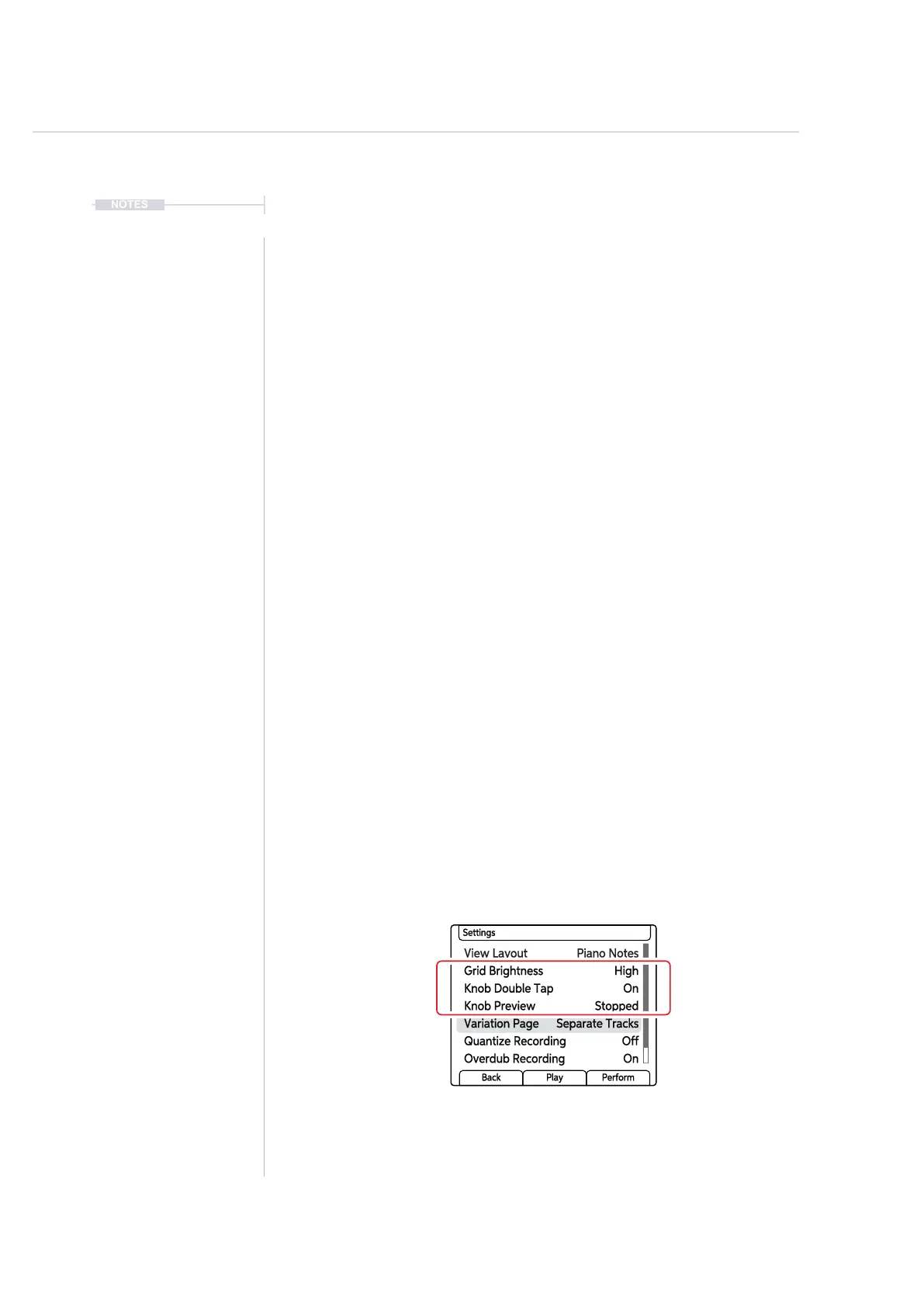
▌ CHANGING THE KNOB PREVIEW BEHAVIOUR
1. Press (Screen) Knob to open the main menu.
2. Navigate using the screen knob to the ‘Settings’ menu option. Press
(Screen) to select and open this menu.
3. Navigate to the ‘Knob Preview’ option by turning (Screen). Press
(Screen) to select and open the options.
4. The preview options are listed; Off, Stopped, Playback or Stopped &
Playback. These select how the audio preview is applied when
manually turning a knob and selecting a parameter value.
• Off: Will not preview any audio with the parameter value when
adjusting a parameter knob.
• Stopped: Will only preview the audio for parameter value change
when adjusting a knob when the sequencer is stopped. When
playing no preview is audible. Default.
• Playback: Will only preview the audio for parameter value change
when adjusting a knob when the sequencer is playing. When
playing is stopped no preview is audible.
• Playback & Stopped: Will preview the audio for parameter value
change when adjusting a knob when the sequencer is playing or
when it is stopped.
5. Press [Back] to backup and exit the menu option. Selecting a parameter
knob will also leave the menu.
View Layout Piano Notes
Knob Double Tap On
Variation Page Separate Tracks
Grid Brightness High
Knob Preview Stopped
Quantize Recording Off
Overdub Recording On
Settings
Back Play Perform



 To Next Page