4-19
PFC-6006 • 5403559 • REV D • 11/17
The panel events display according to the priority of the event. As additional events of a higher priority occur, the display
automatically adjusts to show the highest priority event rst, then moves lower priority events to the right and/or wraps down to
the 2nd line. Up to two (2) lines of events may display. Refer to the examples below.
Examples:
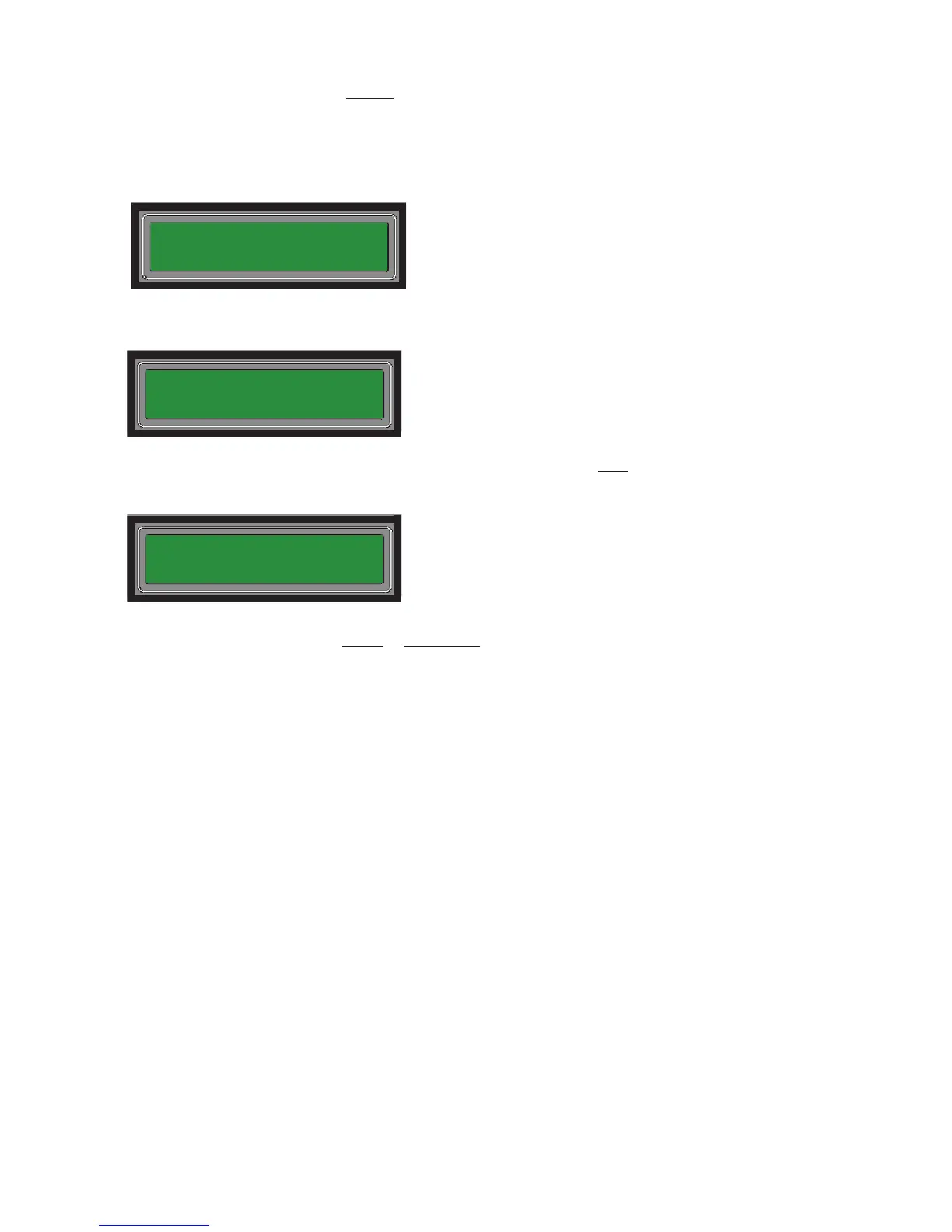
1. Display shows Trouble (TBL:) conditions present on Inputs 2 & 3.
2. Display shows an Alarm (ALM:) on Inputs 5 & 6, as shown on line #1; all Troubles (TBL:) moved to the right
automatically. The TBL:"E" shows that an Earth Ground condition is present, along with the Troubles on Inputs 2 & 3.
3. Display shows that a Supervisory condition is present on Input 2 as shown after all Alarms on line #1. Notice that the
Trouble on Input 2 has been removed. All Troubles are pushed to the 2nd line of the display, where "TBL:BE3" reects
that a Battery Trouble condition is present, along with the Earth Ground (E) and Input 3 Troubles.
Notes:
• Input 1 may only be congured as Alarm or Supervisory types. Therefore, Input 1 displays only as an Alarm or
Supervisory condition.
• The 1st line displays only ALM: and SUP: followed by the inputs of that type active. Only the number of inputs active will
be displayed. If none of the Alarm (ALM) inputs are active, the display will only show SUP: followed by the active input.
• Authorized users may use arrow keys to navigate through active conditions and/or see detail information, such as custom
messages, time and date of the event.
TBL:23
ALM:56 TBL:E23
ALM:56 SUP:2
TBL:BE3



 To Next Page