5-36
PFC-6006 • 5403559 • REV D • 11/17
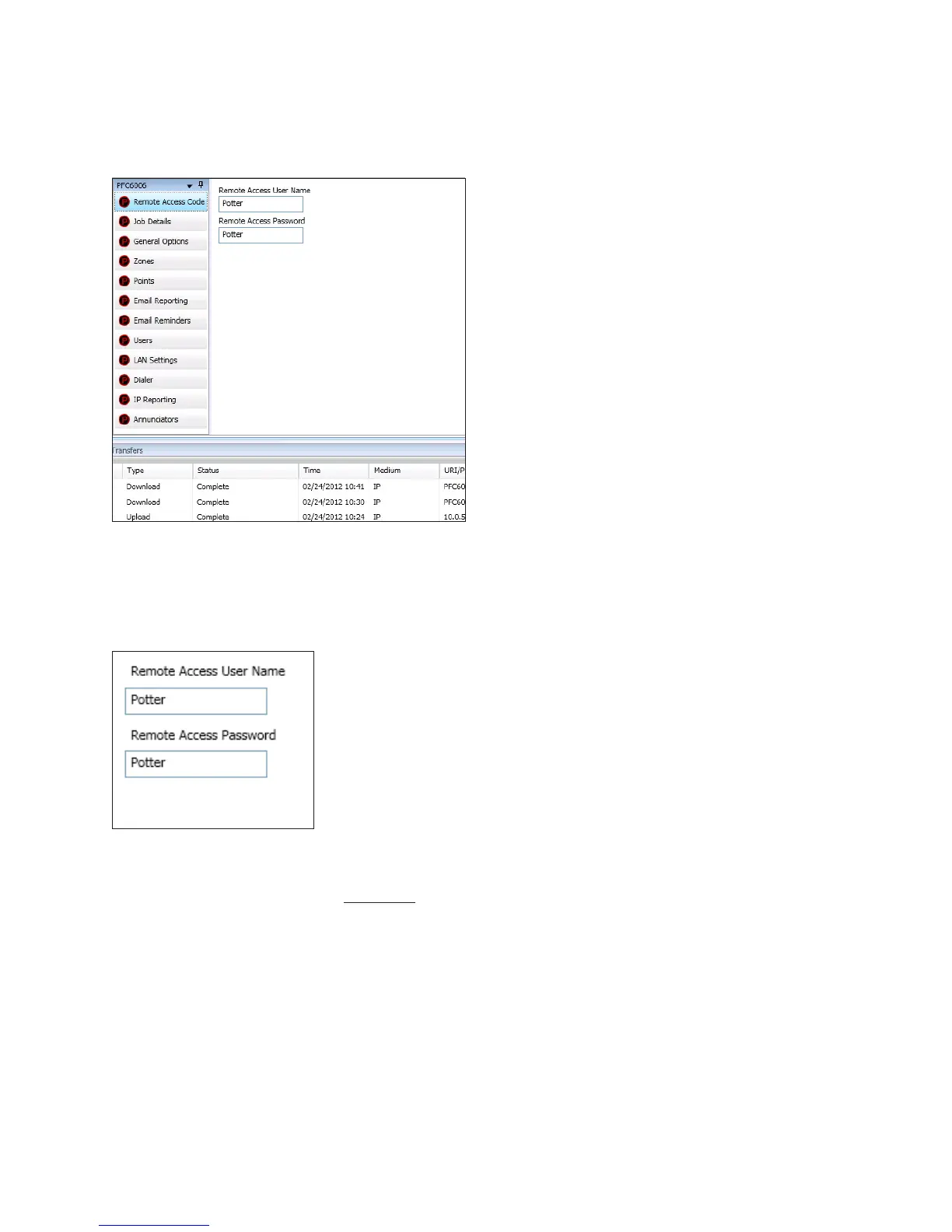
Remote Access Code
The Panel Conguration window displays the remote access user name and password on the right section of the screen (refer to
the example shown below).
Figure 36. Example of the Panel Conguration Screen
User Name / Password
The default user name and password is “Potter” as shown below; they can be changed to ensure that only authorized personnel
can transfer data to and from the panel.
Figure 37. Remote Access Code Screen
Notes:
1. The remote access user name and password may be changed to increase security on the system.
2. The remote user name and password must match the panel’s user name and password.



 To Next Page