5-38
PFC-6006 • 5403559 • REV D • 11/17
Users
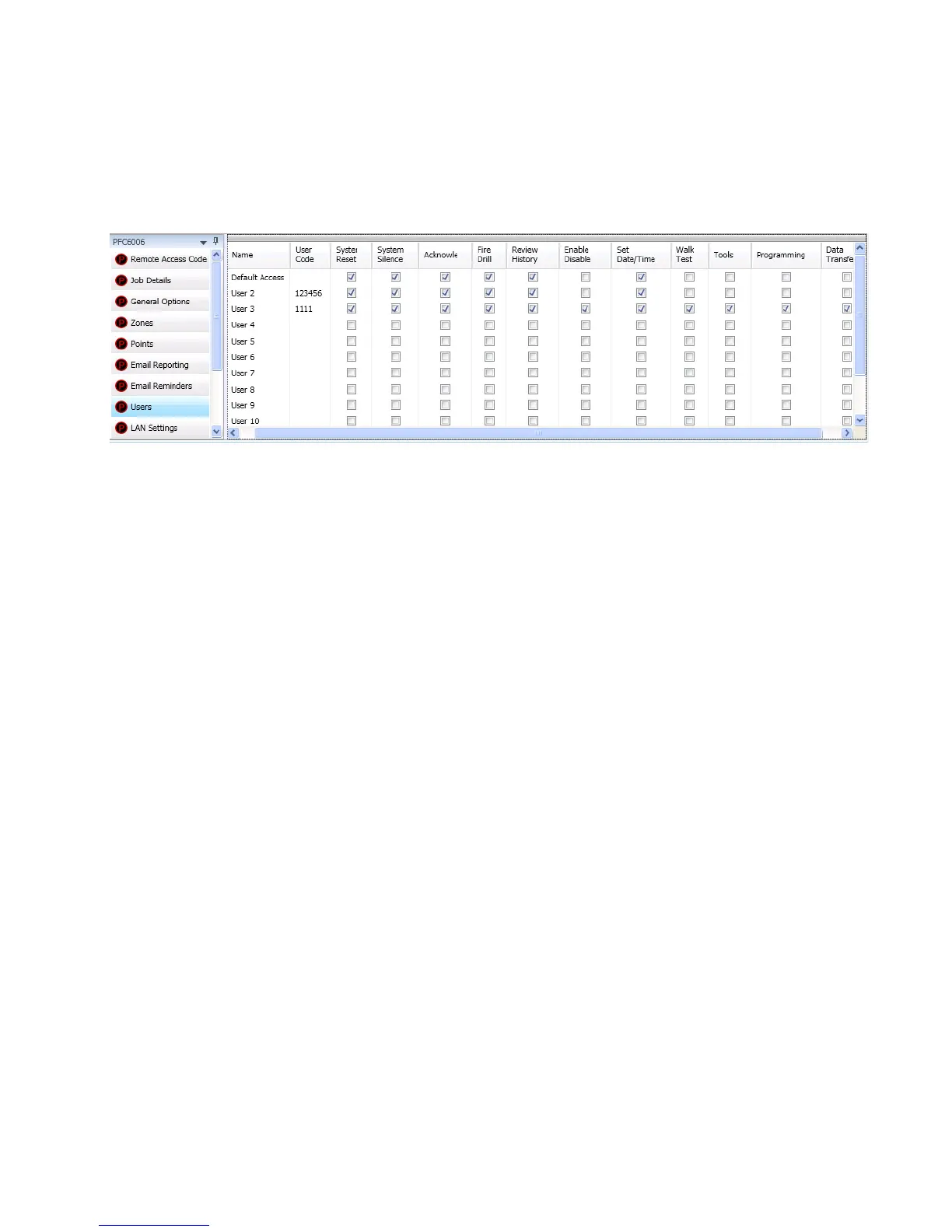
The Users option allows you to create up to ten (10) user proles, if needed. Each prole may have different access rights, which
controls the panel functions a user may access.
To create a new user:
1. Click on the Users option. The User’s Code window displays.
Figure 40. Example of Users Prole Window
2. Double click in the “Name” eld to enter a descriptive user name.
3. Click in the appropriate eld selection boxes to grant access to that feature.
4. Repeat steps for up to 10 users.
Note: The access rights for the “Default Access” user code can be modied if needed.



 To Next Page