5-35
PFC-6006 • 5403559 • REV D • 11/17
Programming Functions Overview
The table below gives you a snapshot of the menu order along with a brief description of each. Details for these options are
provided on the following pages.
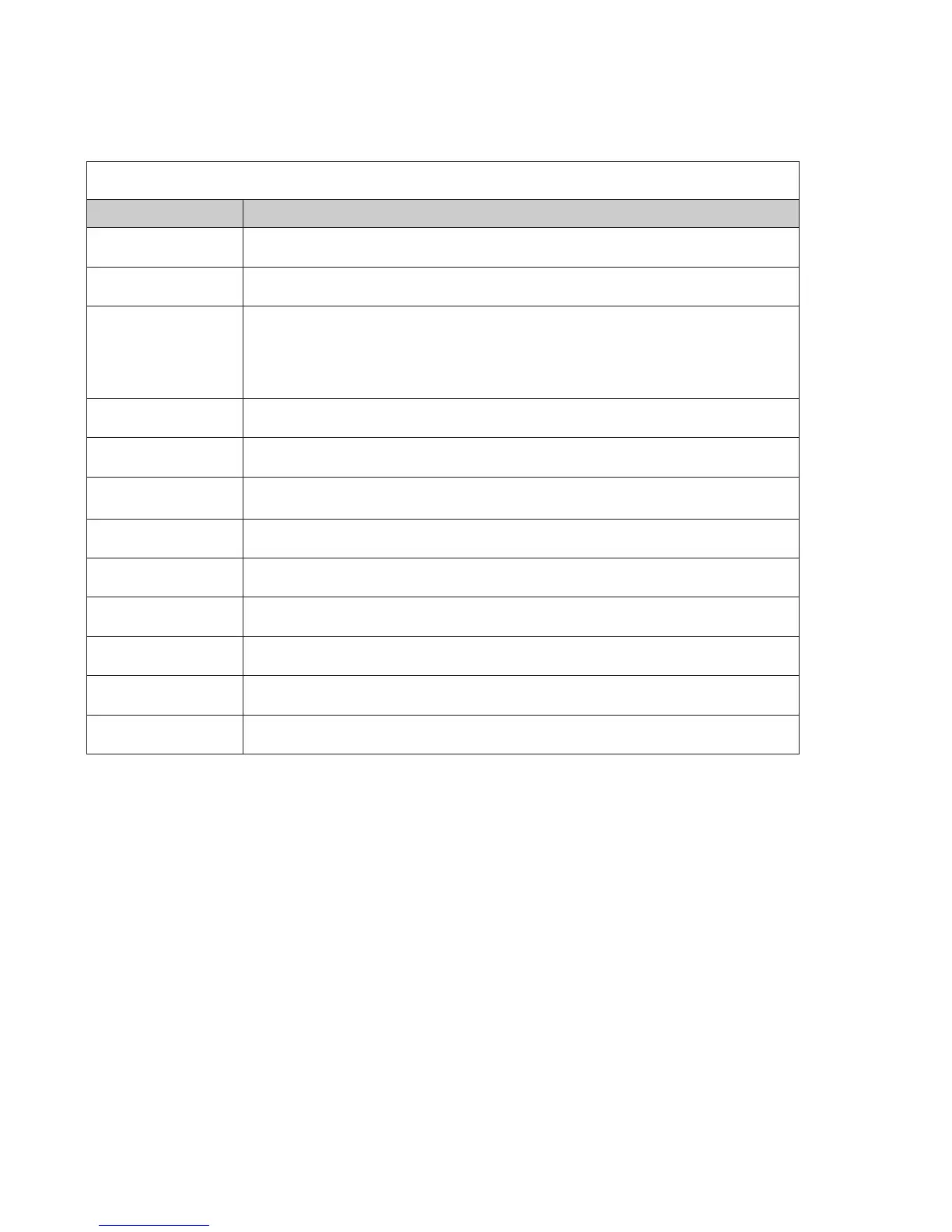
Table 13: Programming Menu Overview
Menu Option Description
Remote Access Code
Displays remote access “User Name” and “Password”.
Job Details Allows site specic information to be entered.
General Options
Allows software’s general panel settings to be customized, such as door holder low AC
dropout delay, and display events type.
Important Note For Canadian Users! You must select the "Canadian" option from the
"Display Events" pull-down menu.
Zones Dene and congure zone’s characteristics and mapping points.
Points Dene and view all addressable and non-addressable points.
Email Reporting
Schedule e-mail reports by day and time, setup e-mail addresses, and select type of
report(s) to send to each e-mail addressee.
Email Reminders Create and schedule customized daily, weekly, monthly, or yearly reminder emails.
Users Create up to ten (10) user codes and passwords, and set access rights.
LAN Settings Congure Ethernet connectivity options.
Dialer Congure the on-board DACT reporting accounts and phone options.
IP Reporting Congure IP reporting options for primary and secondary accounts.
Annunciators Add or remove Remote Annunciators.



 To Next Page