5-29
PFC-6006 • 5403559 • REV D • 11/17
File New
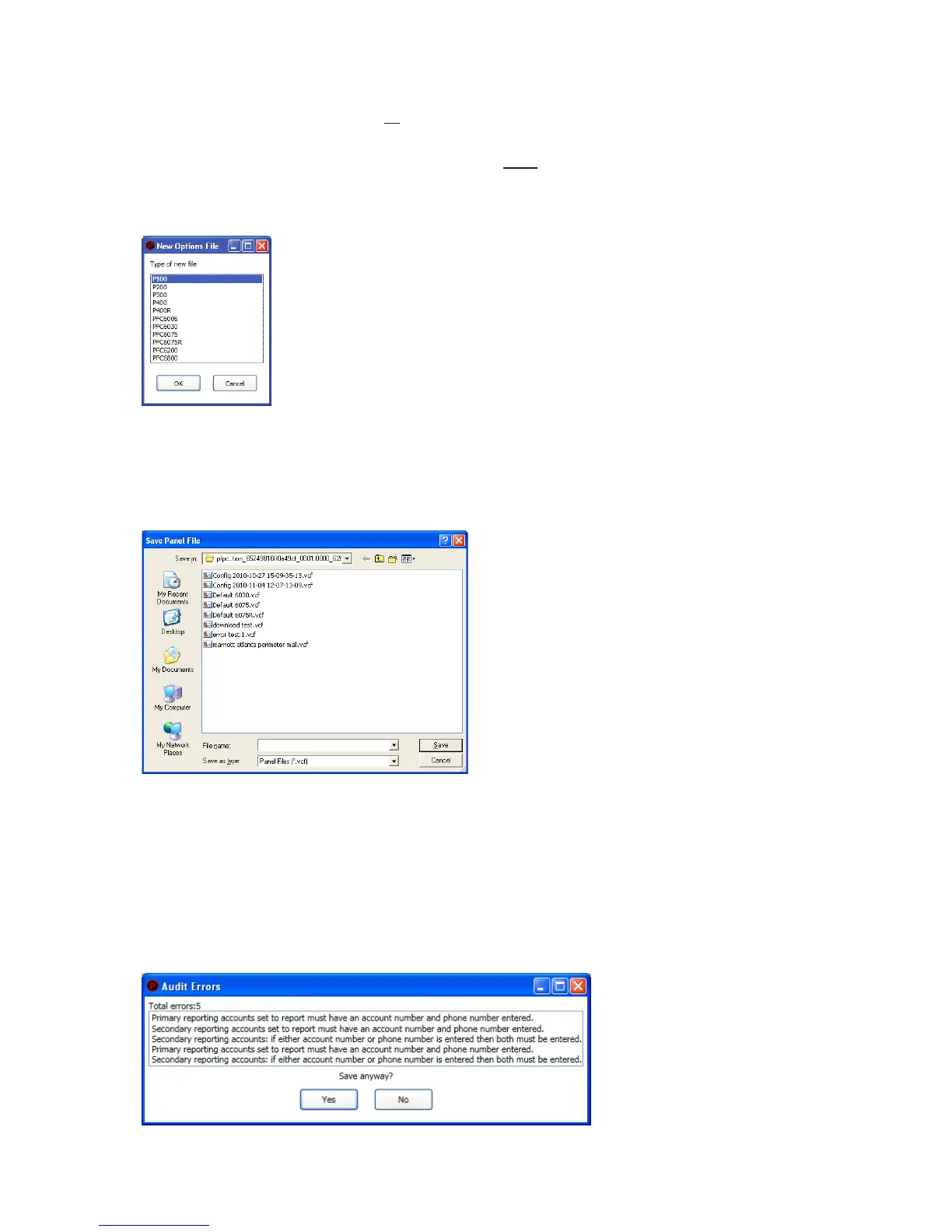
The File New menu option is used to complete all programming from scratch on the computer. You must select the correct panel
model prior to programming.
Note: It is imperative that you choose the correct panel model prior to programming or completing any data transfers,
otherwise, you cannot complete a successful download to the panel. If this occurs, you will have to reprogram the entire
panel.
Figure 24. Example of File New Dialog Box
File Save / Save As
Once programming has been completed, save your conguration le using either the "File – Save" or "File – Save As"
function. An audit is performed that checks for rule violations; if errors are encountered, you may choose to either save with
errors or cancel the save operation.
Figure 25. Example of Save Panel Dialog Box
Notes:
1. All site specic conguration data is stored in the panel’s non-volatile memory.
2. The next time you make programming changes, you may overwrite the original conguration le with changes. If you
choose to do this, you will lose the original programming report information.
3. The panel conguration le has a .fpcf le extension.
Audit Errors
The Audit Error - Save Anyway? dialog box displays if programming errors are encountered when saving the conguration le.
You may choose to save the le with errors; however, you cannot download the data until all errors are corrected.
Figure 26. Example of the "Save anyway?" Dialog Box



 To Next Page