5-23
PFC-6006 • 5403559 • REV D • 11/17
Programming Overview
The LEARN function is available through the control panel, and is an efcient way to automatically congure remote
annunciators. LEARN detects all connected P-Link devices, assigns a name and selects the applicable device type.
The panel conguration software allows custom programming and conguration for all points via a network or remote
computer. At the click of a mouse, you may ne-tune device behavior characteristics or create mapping zones for a more
sophisticated re protection system. By using the system software, you will realize the power and exibility of the PFC-6006
system. (Please refer to “Panel Software Overview” and “Mapping Zones” in this section for details on these procedures.)
The Programming Cycle
The following is a recommended approach to programming the system, if not using the default set up:
1. Install Software
2. Connect Ethernet Cable
3. Upload Data to Computer
4. Program the System
5. Download Conguration File
Note: This approach may eliminate programming errors, however, these are only recommendations.
Software Installation
It's easy to install the PFC-6006 software and requires only a few minutes to complete. Once done, the program automatically
creates a shortcut icon on your desktop for easy access.
The system software is compatible with Windows XP, Windows Vista and Windows 7 Operating Systems, and incorporates
conventional shortcuts and features (i.e., right click to display shortcut menus, drag and drop, etc.). The software’s exibility
enables you to effectively program individual and/or groups of points. Several examples in conguring a basic re system are
provided later in this section under the “System Programming” heading.
Note: The latest version of Microsoft .NET Framework is required.
To install the software:
y Access the Potter website at: http://www.pottersignal.com/
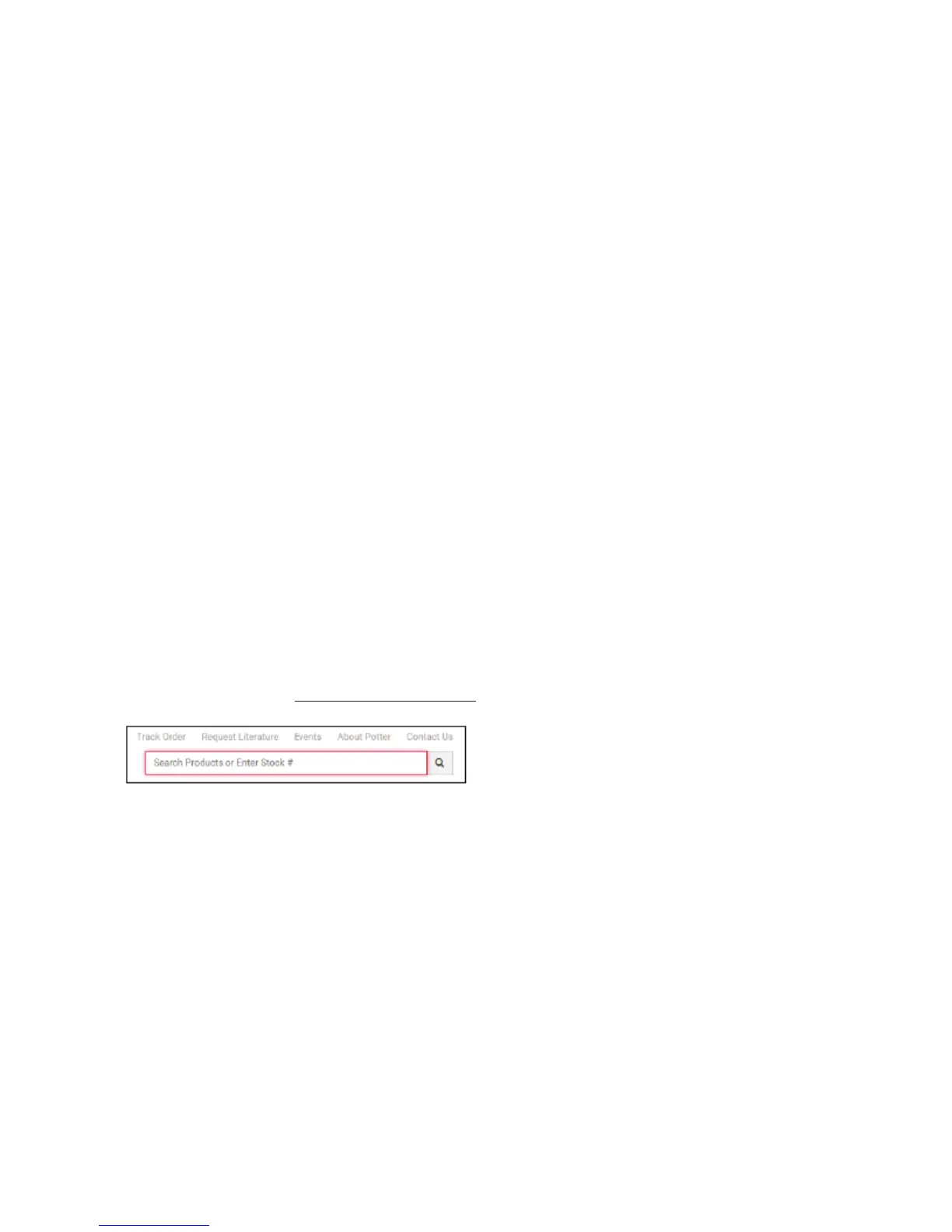
y Locate the "Search" box shown in the upper right corner of the web page, and type in "PFC-6006."
y Scroll down to the "Software" section, and click on the .exe or .zip link located beneath "Download" to install software.
y The default installation directory is: C:\ProgramFiles\Potter\Potter Fire Panel Programmer.
y You may change the location of the application les.



 To Next Page