5-33
PFC-6006 • 5403559 • REV D • 11/17
Panel Software Overview
This section gives you an overview of the Panel Conguration Software. It addresses navigating through the program windows,
understanding the purpose of icons and program features, using Window’s conventional editing techniques and other program
shortcuts to efciently congure your system.
Window Regions / Areas
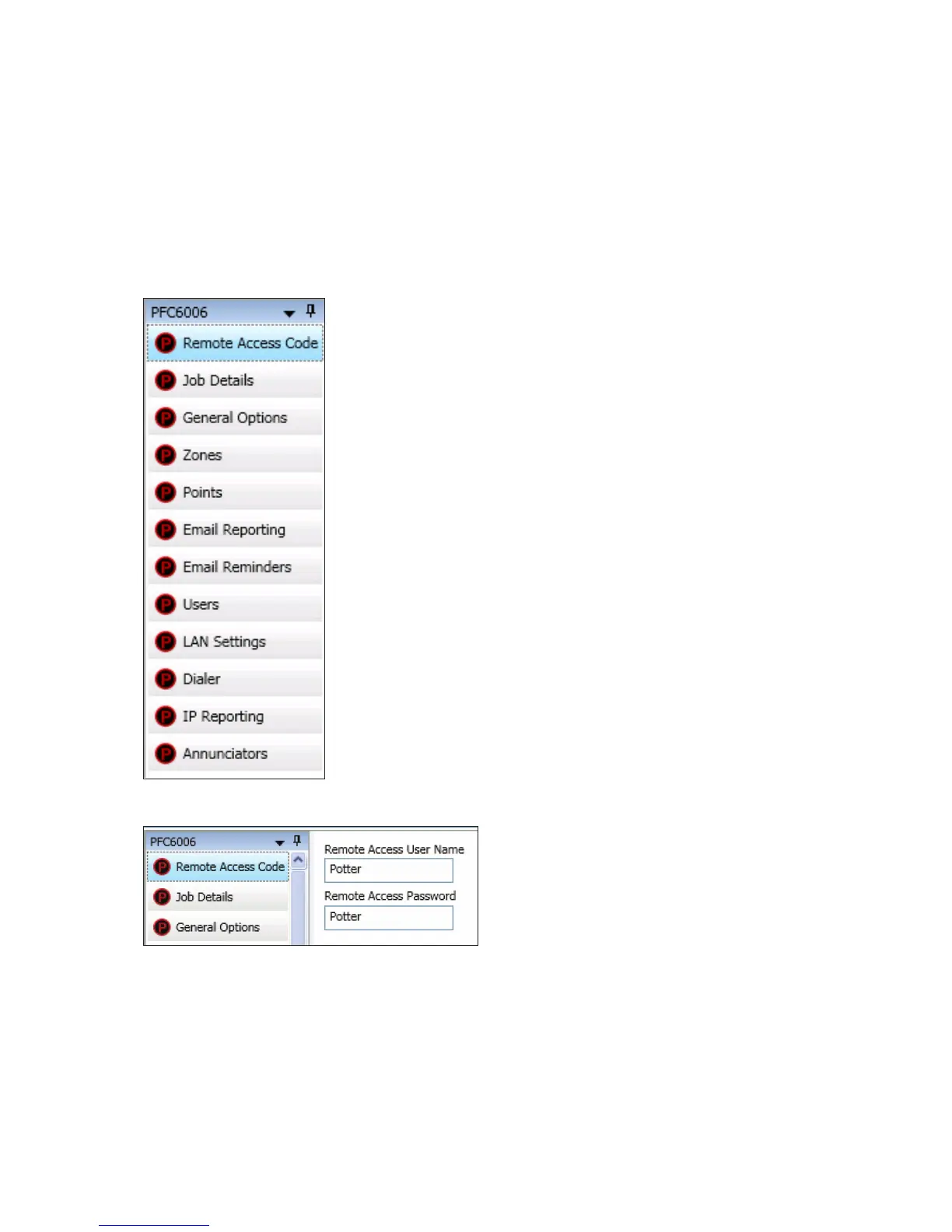
When you select a function from the Panel window, the related information displays on the right. Additionally, the selected
function is highlighted, which helps direct your eye to the function's related screen information. For example, when "Remote
Access Code" is selected, the remote user name and password displays. Please refer to the examples shown below.
Figure 34. Panel Menu Options
Figure 35. Example of Remote Access Code



 To Next Page