5-57
PFC-6006 • 5403559 • REV D • 11/17
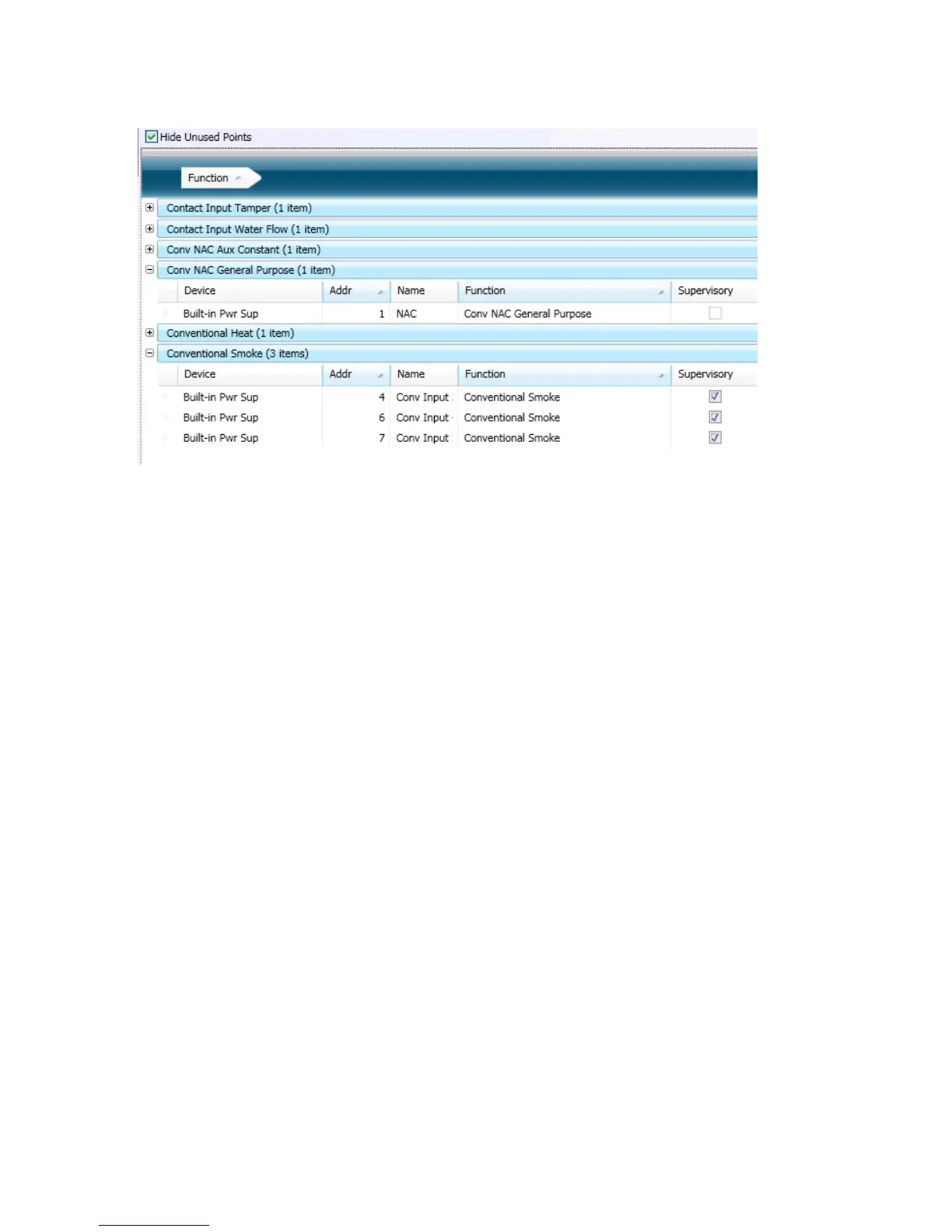
4. Click “+” next to the function to view a complete list of points. Click “-” to collapse list of points, as needed.
Figure 67. Example of Expanded List of Grouped Points
Note: Click “–” to collapse point assignments.
5. Drag the eld out of “group by area” region to redisplay items in original order.



 To Next Page