MAX™ Operator Manual
©
Original Printed In English
SECTION 4 - HMI SCREENS
MACHINE OPTIONS SCREENS - CONTINUED
4-24
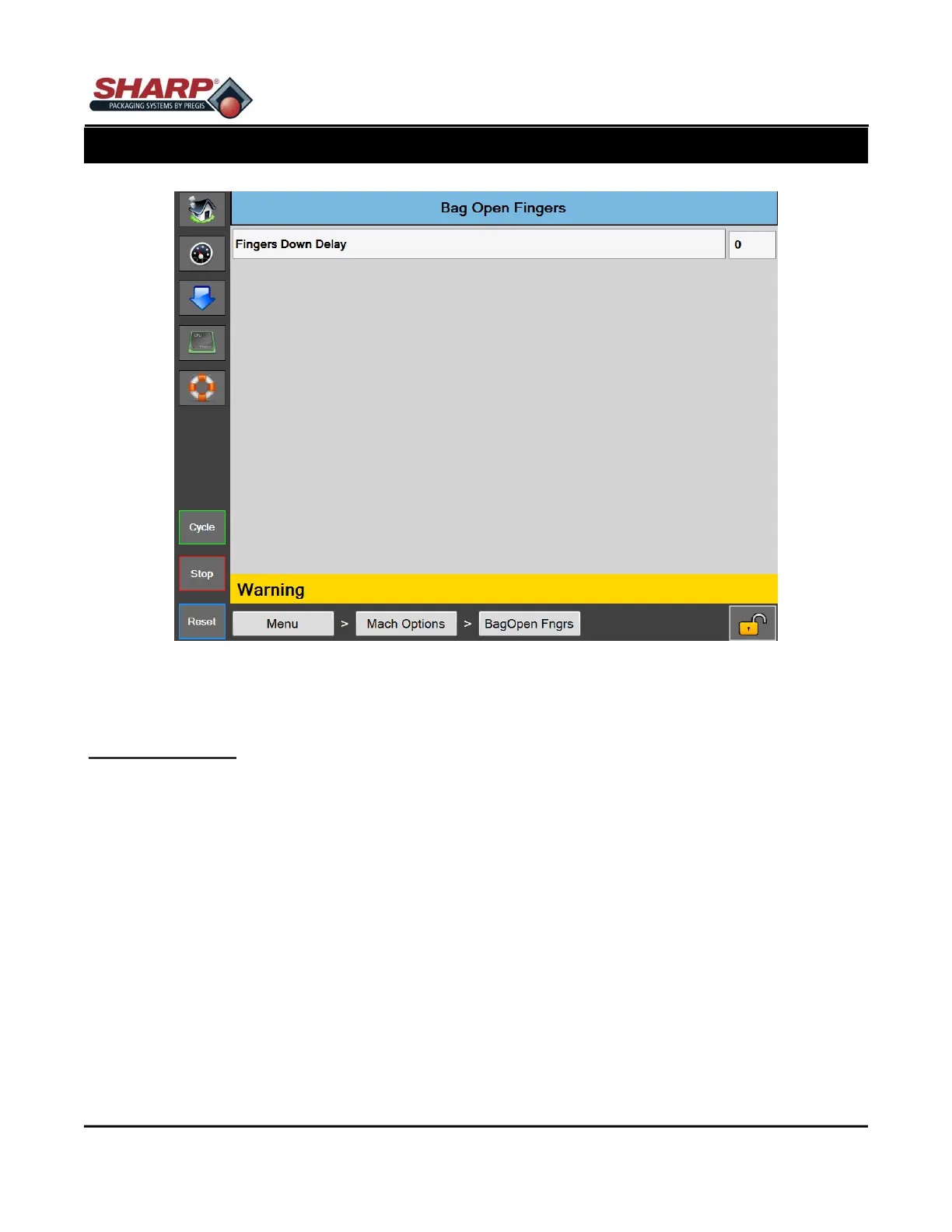
Figure 4-24A. Bag Open Fingers
BAG OPEN FINGERS SCREEN
General Description
This option consists of two mechanical fingers operated by rotary air actuators. The fingers are mounted outside
the Finger Funnel. The fingers rotate into the bag as the Pressure Bar begins to open the bag. When the fingers
are down, they pin the bag to the Pressure Bar and held to open or form the bag into a 10” x 10” square open-
ing.
Button/Label Descriptions:
Fingers Down Delay - The fingers Down Delay will delay the rotation of the fingers. It is recommended to keep
this setting to a minimum. Start with 0 and add time only if necessary.



 To Next Page